No power
Describe indicators, startup sounds and what happens when suitable power is connected.

We Fix What Others Can't
Electronic Partners · Independent UK repairs

Tell us your Epson printer model, error messages and symptoms. Confirm the unit or electronic module required before sending.
Independent repair assessment. Manufacturer warranty enquiries should go to Epson directly.
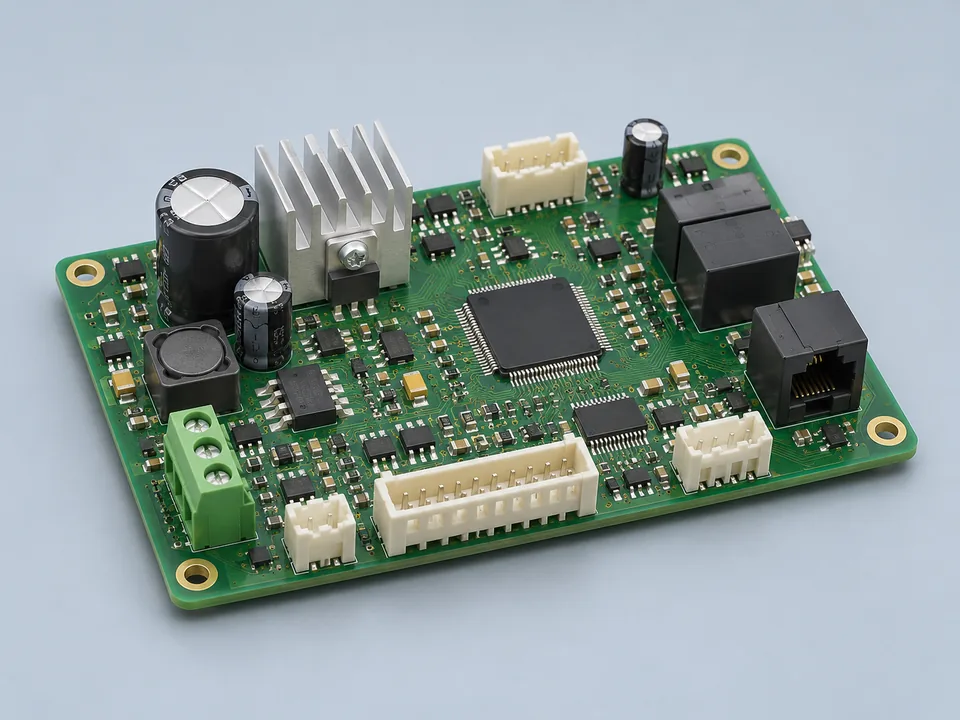
 Specialist assessment
 Repair at our UK centre
 Repair options explained
Tell us what is happening
These are reported symptoms to help prepare an enquiry, rather than a diagnosis.
Describe indicators, startup sounds and what happens when suitable power is connected.
Report jams, alignment problems and the media being used.
Describe missing areas, lines, faint output or other changes.
Explain USB, network or wireless symptoms and error messages.
List unresponsive buttons, warnings or blank displays.
Record whether the problem changes with media, use or temperature.
Confirm whether the whole unit or only a removed electronic module is required. Eligible parcels follow your booking instructions. Large or installed units are not assumed to be parcel-shop items; a suitably qualified person must handle safe isolation, removal and refitting of installed or mains-wired equipment.
Start with the exact model
Examples from our existing Epson guidance. This is not a complete acceptance list. Share your exact model or board reference, including newer or unlisted items, so suitability and parts can be checked.
How it works
Share the exact model, symptoms and any damage or earlier repair.
Review the available options and follow the booking instructions for your item.
Use the confirmed packing and delivery arrangements. Assessment establishes the fault and repair options.
Any agreed repair proceeds subject to assessment and parts availability; the return is arranged through your booking.
Confirm whether the whole unit or only a removed electronic module is required. Eligible parcels follow your booking instructions. Large or installed units are not assumed to be parcel-shop items; a suitably qualified person must handle safe isolation, removal and refitting of installed or mains-wired equipment.
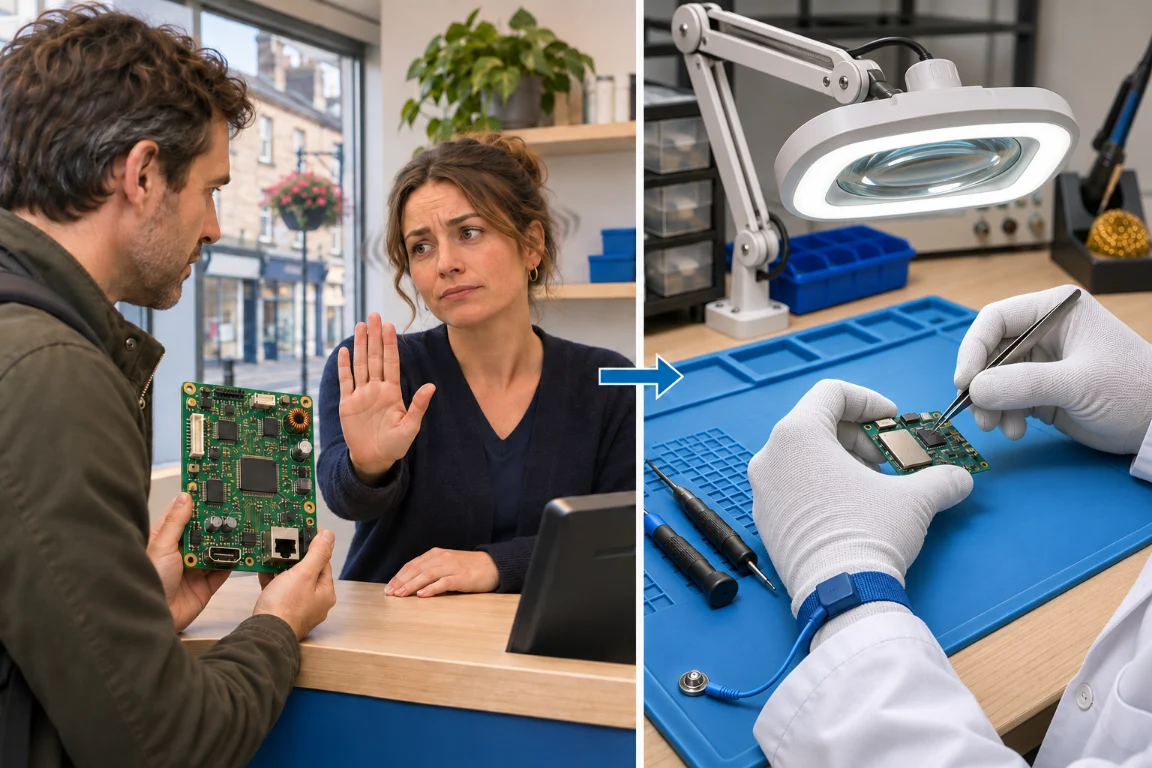
The repair centre behind your repair
Your exact Epson model, symptoms and previous damage help us decide what needs assessment. Component-level work is considered where suitable; repair options depend on the findings and available parts.
Before you decide
What to tell us, what to send and what to expect.
Provide the model, media type, error messages and a description or photograph of the output problem.
Confirm suitability, size, weight and assessment requirements before arranging transport. Whole-unit parcel acceptance is not assumed.
Tell the team what consumables are fitted and follow the confirmed preparation and packing instructions.
There can be several causes. Describe the output and messages so the assessment requirements can be reviewed.
Electronic Partners is an independent UK repair centre. For manufacturer warranty, care plans or an authorised Epson service, contact the manufacturer directly.
Timing depends on assessment, the fault, parts availability and transport. Ask for the expected timeframe for your particular item; an online estimate does not guarantee a completion date.
Ask about the proposed parts, applicable repair warranty, exclusions and any assessment or service charge before proceeding. These depend on the item, agreed repair and current service terms.
A little help with the next step
Ask about your Epson model, suitable transport or an existing repair. Our online assistant can help you find the next step.