
Electronic Partners · Specialist UK service centre
Computer & desktop PC repair UK.
Power, start-up, graphics, storage and overheating faults on desktop PCs, all-in-ones and supported gaming or workstation systems.
Our specialists diagnose and repair computers at our central UK service centre. Tell us the exact model or custom-build specification, then confirm suitable postage or local drop-off arrangements.
Get a free initial estimate online. We confirm the repair price after diagnosis and ask you to approve it before work starts.
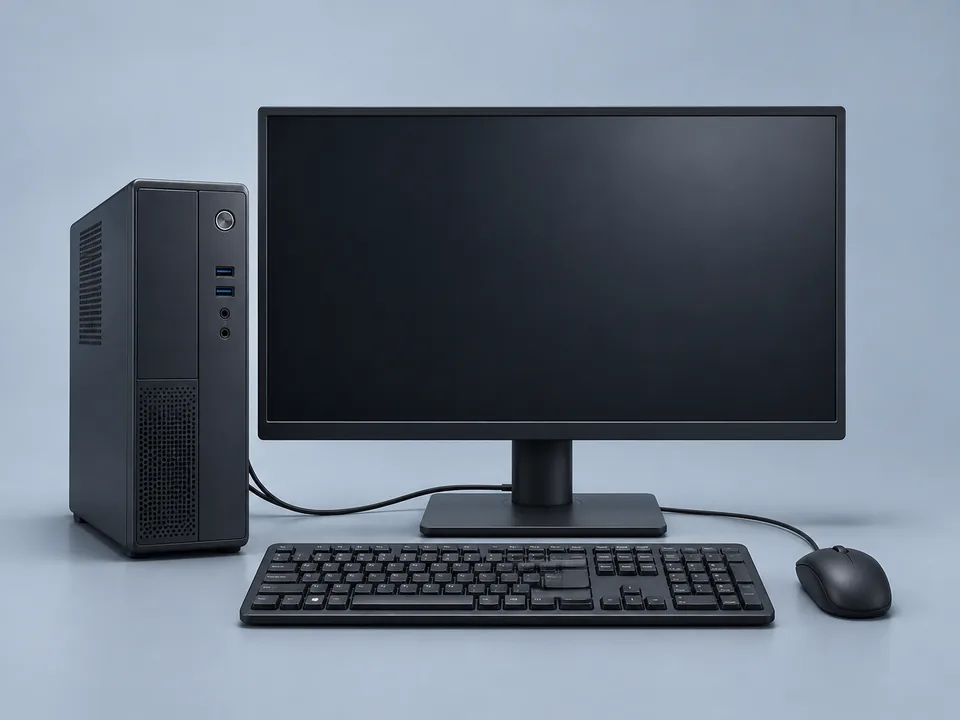
Common faults
Computer & desktop PC repair services.
Choose the problem closest to what you have noticed. You do not need to diagnose the fault before contacting us.
Power & start-up
No power, repeated restarts, warning lights or a computer that will not start.
Tell us which lights, fans or sounds appear and whether the operating system begins to load. Power supplies, motherboards, memory and software can produce different start-up problems. We investigate the cause before recommending parts. Do not open a power-supply unit.
Ask about this faultGraphics & displays
No picture, distorted graphics, a cracked screen or a dim display.
Tell us whether the fault affects an all-in-one screen or a separate monitor, and what happens when the computer starts. Graphics cards, cables, settings, panels and backlights need different checks. A ‘no signal’ message does not automatically mean a failed graphics card. Parts and model determine display repair options.
Ask about this faultCooling & overheating
Loud fans, high temperatures or shutdowns while gaming or working.
We assess the relevant cooling system and hardware. Dust, fans, heatsink contact, power faults and other causes can produce similar symptoms. Tell us your specification and when the problem occurs. Cleaning or thermal servicing may be appropriate, but neither is an automatic cure for every shutdown.
Ask about this faultMotherboards & ports
Damaged USB sockets, unreliable connections or faults beyond a straightforward part replacement.
We assess suitable motherboard, connector and component faults. Tell us which functions have stopped working and whether there was an impact, spill or earlier repair. Board condition, proprietary parts and the computer’s construction can limit the options. Ask about keyboard or casing damage before including extra items.
Ask about this faultStorage & data
A drive is not detected, files are inaccessible or the computer reports storage errors.
Tell us the drive type and whether repair or access to your files is the priority. Hardware damage, corruption and encryption need different approaches. Recovery is not guaranteed. If important data is on a failing or unusually noisy drive, stop using it and ask for advice before further troubleshooting.
Ask about this faultSoftware & performance
Slow operation, repeated errors, suspicious pop-ups or problems after an update.
Software, drivers, malware, storage and memory can produce overlapping symptoms. Internet or email problems can also involve the connection, provider or account. Describe what changed so we can confirm the work available before booking. A reset or reinstall is not automatically required and may affect files, programs and settings.
Ask about this faultRepair acceptance and parts availability depend on your exact model and condition.
Computer brands
Find your computer brand.
Explore the brands below and tell us the exact desktop or all-in-one model. Parts, specification and condition affect the available repair options.






Desktop PCs, all-in-ones, gaming systems, workstations and suitable custom builds. Tell us the exact specification and any earlier upgrades. We also assess model-dependent enquiries for monitors and backlights, USB ports, keyboards, casing damage, liquid exposure, cleaning, RAM and optical drives. For portable computers, see laptop repair. Browse all brands → For commercial equipment, see our Business & B2B repair services.
Component-level repair
The expertise behind
your computer repair.
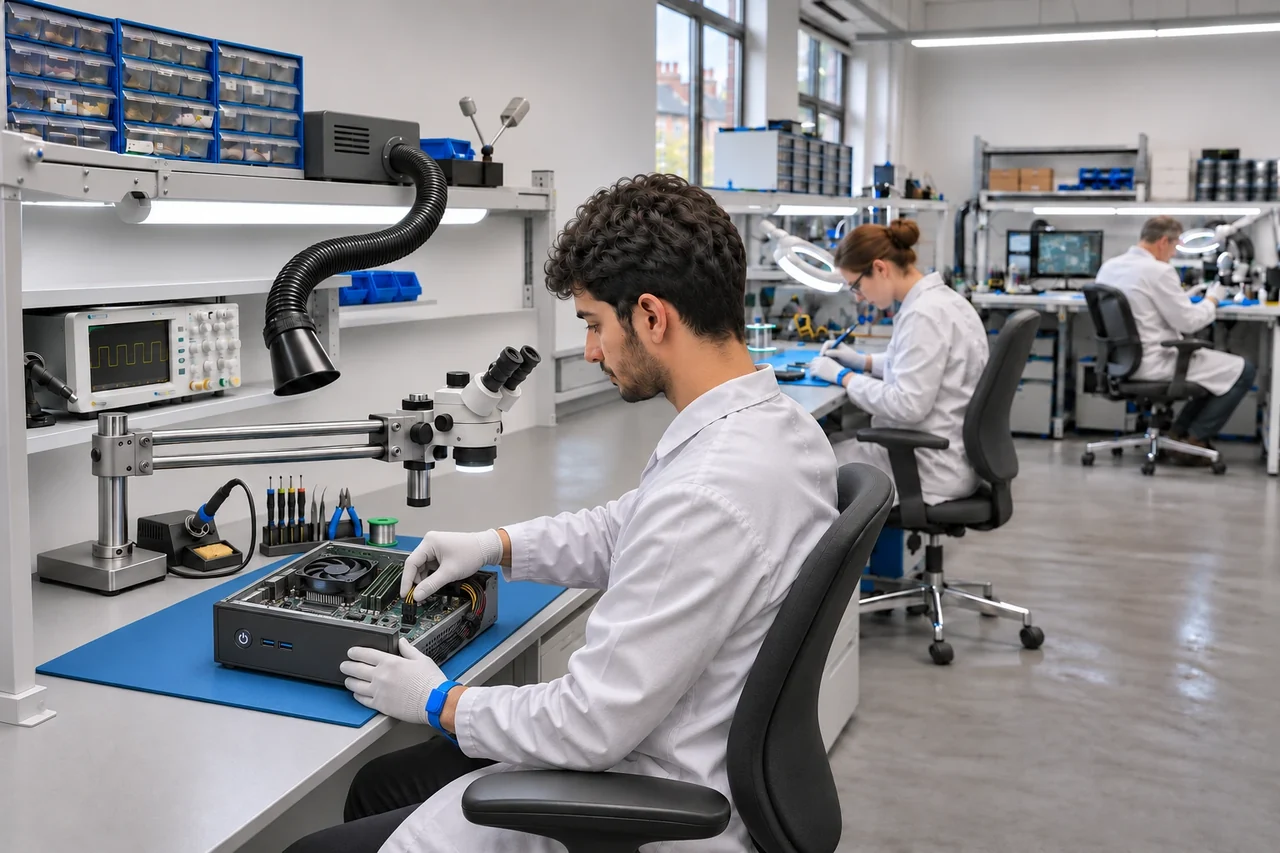
Electronic Partners has repaired electronics since 2004. A desktop that will not start can have a different fault from one that starts with no picture or fails while loading its operating system. Our engineers investigate the symptoms and relevant hardware before recommending a power supply, motherboard repair, graphics work or software action.
We assess suitable branded and custom-built systems, including all-in-ones, gaming PCs and workstations. Parts compatibility, proprietary designs and available documentation affect what is practical. Tell us about previous upgrades or repairs so the proposed work matches your system.
If a repair is not worthwhile, we explain why so you can make an informed decision.
Genuine parts where possible or suitable compatible alternatives. Ask about the proposed parts and applicable warranty.
How it works
Four steps. One specialist team.
Know what happens before you send your computer.
-
Request an estimate
Tell us the computer model or custom-build specification, symptoms and recent changes for a free online estimate.
-
Book & send
Book your repair and confirm suitable packing and transport for your computer’s size, weight and components.
-
Assess & approve
We diagnose the fault and send you an exact quotation. Repair work starts once you approve it.
-
Test & return
We check relevant functions such as start-up, display, ports and cooling, then arrange the return.
Repair costs
What will my computer repair cost?
The computer’s specification, fault and required parts affect the cost. Tell us the exact model or components and symptoms for a free initial estimate. The exact quotation follows diagnosis, and repair work starts once you approve it.
Consider whether the computer still meets your needs and supports the software you use. A suitable power, cooling, storage or connection repair may make sense. Extensive damage, incompatible upgrades or unavailable parts can make replacement more practical.
Check your quotation and booking terms for applicable diagnosis, service, delivery or return charges. An estimate is not a fixed repair price.
Read our repair terms and warranty information for coverage, exclusions and applicable charges.
Repair information
Computer repair guides.
Post or local drop-off
From your doorstep to our repair centre.
Confirm suitable packing and transport for the computer’s dimensions, weight and components. Diagnosis and repairs take place at our central UK service centre.
Find a local service point →Book before you drop off
Book your repair before sending your computer or using a service point. Confirm the suitable transport and packing arrangements for your equipment, then follow the instructions supplied.
Prepare your computer
Back up files if possible and note the model, components and symptoms. Tell us if data is the priority. Confirm how large graphics cards, cooling assemblies or glass panels should be protected, and which accessories to include. Keep recovery keys accessible privately; do not put passwords or keys in your enquiry.
Follow your booking instructions
Eligible parcels may use the prepaid QR code for printer-free drop-off. Carrier and location availability vary.

Before you book
Computer repair questions.
Desktop systems, software, data, upgrades and sending your computer.
Is the online computer repair estimate free?
Yes. Tell us the exact model or custom-build specification and symptoms for a free initial estimate. The exact quotation follows diagnosis. Check your booking and the repair terms for applicable diagnosis, service, delivery or return charges.
Do you assess gaming PCs, workstations and all-in-ones?
Yes, we assess suitable desktop systems. Tell us the exact model or main components, and describe any upgrades. All-in-one screens, proprietary motherboards and specialised parts can limit repair options. Ask about separate monitors or peripherals before including them.
Could the problem be software rather than hardware?
Yes. Drivers, updates, operating-system faults and malware can cause symptoms that overlap with hardware problems. Tell us what changed and provide any error code. We confirm suitable work before booking rather than assume every slow or crashing PC needs the same fix.
Can you recover my files?
We assess data-recovery enquiries for supported hard drives, SSDs, USB drives and memory cards. Recovery depends on the fault, condition and encryption and is not guaranteed. Tell us if files are the priority before agreeing to repair or software work. Keep any BitLocker recovery key accessible privately; do not include passwords or keys in your enquiry.
Can you upgrade memory, storage or other components?
We assess suitable upgrade enquiries, including RAM, storage and optical drives. Compatibility, the existing power supply, cooling, firmware and available space all matter. Give us the exact model or specification and what you want the computer to do before buying or sending parts.
How long will the repair take?
The fault, model, parts availability and service booked affect the time required. Diagnosis and completing the repair are separate stages. Ask us about current times before sending your computer, particularly if you rely on it for work.
How should I send a desktop computer?
Book first and confirm the dimensions, weight and equipment needed for the fault. Towers, glass panels, large graphics cards and cooling assemblies can need particular transit protection. Follow your booking instructions and ask which monitor, power supply or accessories to include. Not every system qualifies for a standard parcel or local drop-off.
What parts and warranty apply?
Ask about the proposed parts and applicable warranty with your quotation. Back up files before sending the computer if possible. Existing faults and repair or software work can cause data loss. Cover is subject to the agreed repair, terms and exclusions.
Customer reviews
Reviews across our repair services.
Customer reviews of Electronic Partners across our repair services.
-
 Great service at a very reasonable price.
These guys repaired an X-ray sensor which had been damaged when a pc workstation fell over and damaged the usb … More connector. All was repaired such a neat job. Thanks A++++ -
 I was extremely pleased and satisfied with the service and repair of my 'All-in-one' computer.
The staff were very efficient, polite and helpful. … More I would thoroughly recommend the service center without any hesitation. The estimate was faster than first quoted and exactly on price.
Thank you to the staff. -
 Absolutely brilliant. My computer is fixed so quickly, I was amazed! Highly recommend to anyone who need their computer fixing. Top marks!
Ask our team
Not sure where to start?
Ask us about your desktop PC, all-in-one, workstation or an existing repair. Use the chat below, or call our support team.
Managing repairs for a business? Explore business & trade repair services →