
Electronic Partners · Specialist UK service centre
Laptop repair UK.
Screen, charging, hinge and motherboard faults on Windows laptops, MacBooks, Chromebooks and gaming laptops.
Our specialists diagnose and repair laptop hardware at our central UK service centre. Send yours by post or book an eligible local drop-off.
Get a free initial estimate online. We confirm the repair price after diagnosis and ask you to approve it before work starts.
Common faults
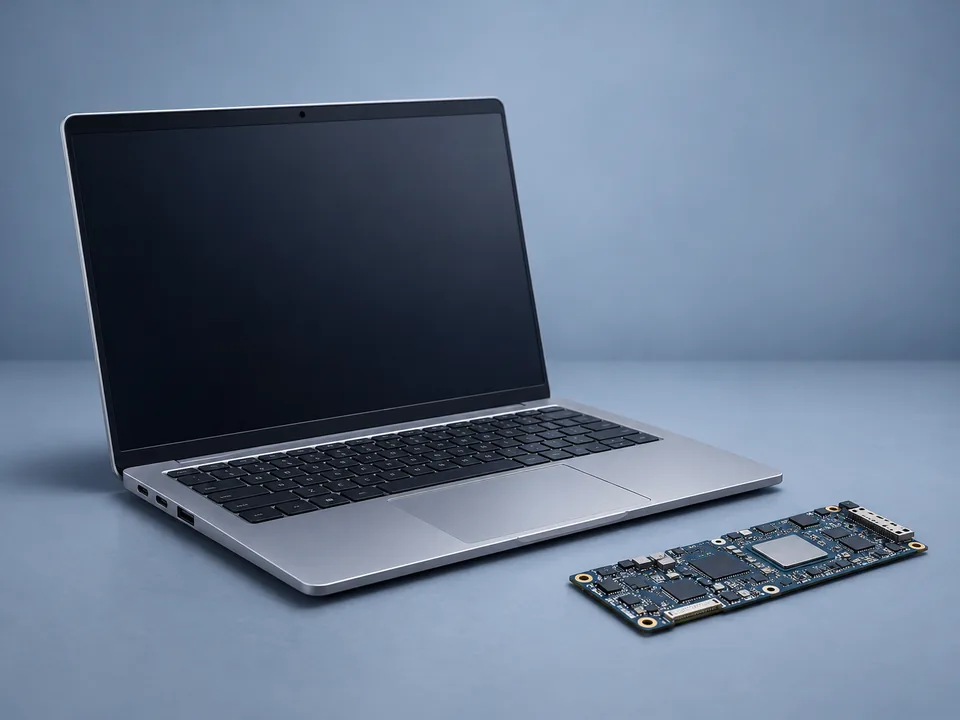
Laptop repair services.
Choose the problem closest to what you have noticed. You do not need to diagnose the fault before contacting us.
Screens & displays
Cracked screens, flickering, display lines or a laptop that runs with no picture.
Tell us whether the laptop powers on and whether an external display works. A damaged panel, display cable and motherboard backlight fault can produce similar symptoms. We check the cause before recommending the parts or repair.
Ask about this faultBattery & charging
A battery that drains quickly, a loose charging socket or a laptop that will not power on.
Battery, charger, charging socket and motherboard faults can overlap. Tell us the exact model and what happens when power is connected. Stop using and charging a laptop with a swollen or damaged battery, and contact us before arranging transport.
Ask about this faultHinges & casing
A stiff or broken hinge, separating casing or damaged screen mounts.
Hinge damage can affect the lid, display cable and fixing points inside the casing. Avoid forcing the lid. We check the hinge and surrounding mounts, then explain whether repair or replacement parts offer a suitable solution.
Ask about this faultKeyboard & connections
Unresponsive keys, trackpad problems or damaged USB, audio and other sockets.
Tell us which functions have stopped working and whether the problem followed a spill, impact or earlier repair. A keyboard assembly, connector or motherboard fault may be responsible. Repair options depend on the laptop’s construction and available parts.
Ask about this faultLiquid damage
Spills, moisture exposure or problems that began after the laptop got wet.
Stop using and charging the laptop, and tell us what happened and when. We check for corrosion and damaged components before recommending cleaning or board repairs. Liquid damage can limit repairability and data recovery; specific warranty exclusions apply.
Ask about this faultMotherboard & cooling
No power, unexpected shutdowns, overheating or faults beyond a straightforward part replacement.
We investigate the power circuits, cooling system and components relevant to the symptoms. Suitable faults may be repaired through component replacement or micro-soldering. The processor, graphics chip, board damage and parts available can limit what is practical.
Ask about this faultRepair acceptance and parts availability depend on your exact model and condition.
Laptop brands
Find your laptop brand.
Find model and repair information for MacBook, Windows and Chromebook laptops, including the brands below.







MacBook Air and Pro; Dell Inspiron and XPS; HP Pavilion and EliteBook; Lenovo ThinkPad; ASUS and Acer laptops; Surface Laptop; Razer Blade; MSI gaming laptops; Samsung and Toshiba models. Older and unlisted models depend on parts and condition. Ask about your exact laptop. Browse all brands →
Component-level repair
The expertise behind
your laptop repair.
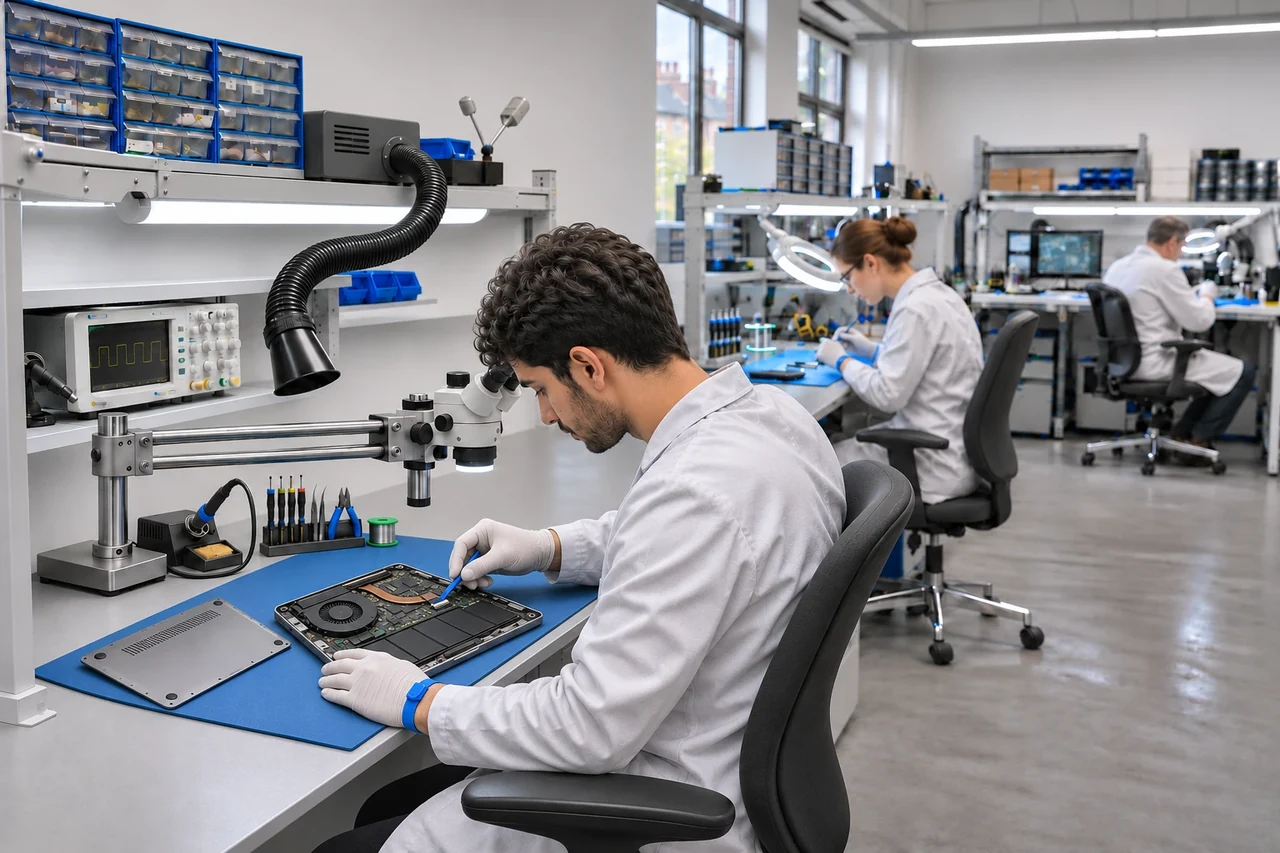
Laptop faults do not always call for a complete motherboard replacement. Our engineers investigate power circuits, damaged connections and individual components where the model and board condition make that practical. Electronic Partners has repaired electronics since 2004.
We also check related damage. A broken hinge may have strained a display cable; repeated shutdowns may involve cooling or power faults. Your quotation explains the proposed work and any important limits.
If a repair is not worthwhile, we explain why so you can make an informed decision.
Genuine parts where possible or suitable compatible alternatives. Ask about the proposed parts and applicable warranty.
How it works
Four steps. One specialist team.
Know what happens before you send your laptop.
-
Request an estimate
Tell us your laptop’s make, exact model and symptoms for a free online estimate.
-
Book & send
Book your repair, then post your laptop or use an eligible local drop-off point. Follow the packing instructions in your booking.
-
Assess & approve
We diagnose the fault and send you an exact quotation. Repair work starts once you approve it.
-
Test & return
We check the relevant functions—including power, charging, display, keyboard and cooling where applicable—then arrange the return.
Repair costs
What will my laptop repair cost?
Laptop repair costs depend on the model, the fault and the parts required. Tell us the exact model and symptoms for a free initial estimate. The exact quotation follows diagnosis, and repair work starts once you approve it.
A screen, charging socket or hinge repair may make sense if the rest of the laptop still meets your needs. Extensive damage or hard-to-find parts can make replacement more practical. We explain what we find so you can decide.
Check your quotation and booking terms for applicable diagnosis, service, delivery or return charges. An estimate is not a fixed repair price.
Read our repair terms and warranty information for coverage, exclusions and applicable charges.
Repair information
Laptop repair guides.
Post or local drop-off
From your doorstep to our repair centre.
Book a local drop-off or send your laptop by post. Hardware diagnosis and repairs take place at our central UK service centre.
Find a local service point →Book before you drop off
Check the service and device eligibility in your booking, then follow its packing instructions.
Prepare your laptop
Back up your files if you can. Note the exact model, symptoms and previous damage. Keep any encryption recovery keys available, and ask whether to include the charger. Contact us before sending a swollen or damaged battery.
Follow your booking instructions
Eligible parcels may use the prepaid QR code for printer-free drop-off. Carrier and location availability vary.

Before you book
Laptop repair questions.
Motherboards, hinges, repair times, data and sending your laptop.
Is the online laptop repair estimate free?
Yes. Tell us your laptop’s make, exact model and symptoms for a free initial estimate. The exact quotation follows diagnosis, and repair work starts once you approve it. Check your booking and the repair terms for applicable diagnosis, service, delivery or return charges.
Can you repair a laptop motherboard rather than replace it?
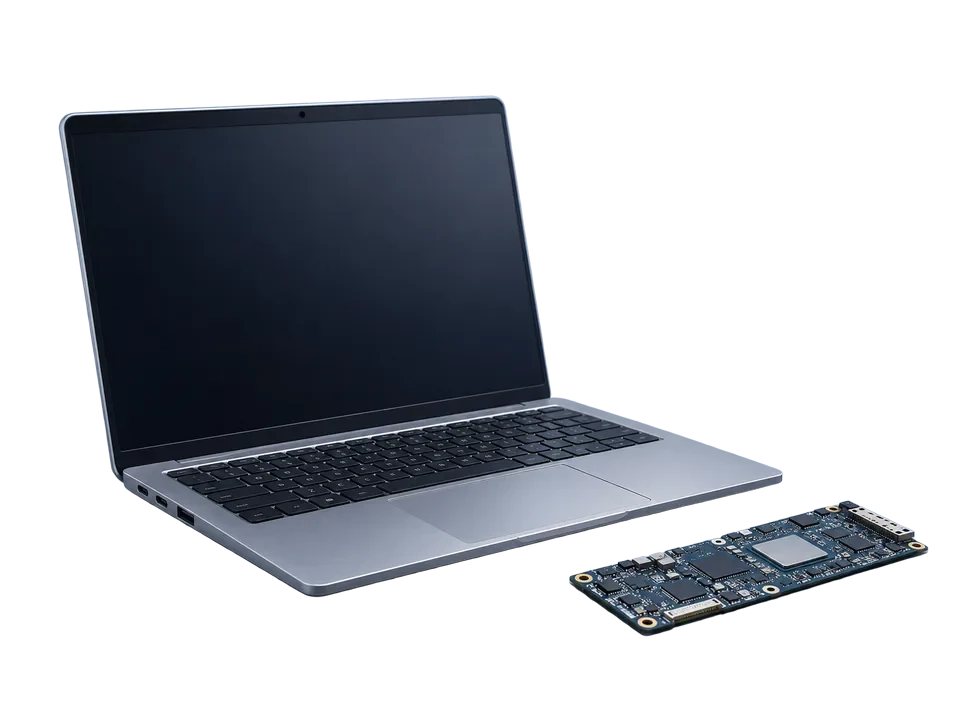
Sometimes. Power circuits, damaged connectors and individual components may be repairable on suitable boards. The model, damage, available parts and cost determine the options. We explain the proposed work in your quotation; a component-level repair is not possible for every fault.
Do you repair broken hinges and laptop screens?
Yes. Tell us the exact model and describe the damage. A broken hinge can also damage the casing, display cable or screen mounts, so we check the surrounding parts. Screen faults can involve the panel, cable or motherboard; we confirm the appropriate repair after diagnosis.
How long will my laptop repair take?
It depends on the fault, parts availability and service booked. Diagnosis and completing the repair are separate stages. Ask us about current times for your model before sending it, especially if parts for an older or less common laptop may need to be sourced.
Will my files be safe during the repair?
Back up your files before sending the laptop if you can. We ask permission before a reset or work intended to remove data, but the fault or repair may still cause data loss. Tell us if your files are the priority. Encrypted or soldered storage can limit recovery; keep your recovery keys available and do not put passwords or keys in an enquiry.
Should I send the charger and other accessories?
Ask us before packing. A charging fault may need the usual charger checked, while a dock or other accessory may be relevant to the symptoms. Follow the instructions in your booking and tell us before sending a laptop with a swollen or damaged battery.
Is an older laptop worth repairing?
Consider whether it still meets your needs, the work required and the parts available. A screen, charging socket or hinge repair can be worthwhile on a useful older laptop. Extensive board damage or expensive parts may make replacement more practical. Age alone does not decide it.
Do you repair MacBooks, Chromebooks and gaming laptops?
Yes. Tell us the exact make and model, the symptoms and any previous damage or repairs. MacBook, Chromebook and gaming laptop designs differ, so repair options depend on construction, condition and parts. Eligible repairs have warranty cover subject to the repair terms and exclusions.
Customer reviews
Reviews across our repair services.
Customer reviews of Electronic Partners across our repair services.
-
 Excellent service, fast and efficient and very cost effective. I left my work laptop in and the HD was fixed within a matter of hours!
-
 After wrecking my laptop trying to re-do the liquid metal thermal paste myself, as there is nowhere local that can do that kind of job, EP replaced the … More connectors I broke (small parts, bad eyesight), and re-did the liquid metal. The detail, and documentation from them, at every step, was very professional, and reassuring, especially for a first time customer.
Fantastic service, and much cheaper than I had imagined. No more touching fiddly electronics myself again! -
 Thanks for fixing my macbook
Ask our team
Not sure where to start?
Ask us about your laptop or an existing repair. Use the chat below, or call our support team.
Managing repairs for a business? Explore business & trade repair services →