No power
Describe lights, fan movement and whether the system responds at all.

We Fix What Others Can't
Electronic Partners · Independent UK repairs

Request an assessment for your Medion desktop or all-in-one. Include the model, configuration and reported symptoms.
Independent repair assessment. Manufacturer warranty enquiries should go to Medion directly.

 Specialist assessment
 Repair at our UK centre
 Repair options explained
Tell us what is happening
These are reported symptoms to help prepare an enquiry, rather than a diagnosis.
Describe lights, fan movement and whether the system responds at all.
Tell us about monitor messages, video outputs and whether the computer appears to start.
Report fan noise, shutdowns and the tasks that trigger the problem.
Include error messages and whether the fault appears before or after startup.
List affected USB, network, audio or display connections.
Describe display, backlight or touch symptoms and provide the complete all-in-one model.
Confirm the exact item and model before sending. Eligible parcels follow your booking instructions for packing and prepaid QR-code drop-off. Royal Mail is available throughout the UK; DPD availability depends on location. Item and carrier restrictions apply.
Start with the exact model
Examples from our existing Medion guidance. This is not a complete acceptance list. Share your exact model or board reference, including newer or unlisted items, so suitability and parts can be checked.
How it works
Share the exact model, symptoms and any damage or earlier repair.
Review the available options and follow the booking instructions for your item.
Use the confirmed packing and delivery arrangements. Assessment establishes the fault and repair options.
Any agreed repair proceeds subject to assessment and parts availability; the return is arranged through your booking.
Confirm the exact item and model before sending. Eligible parcels follow your booking instructions for packing and prepaid QR-code drop-off. Royal Mail is available throughout the UK; DPD availability depends on location. Item and carrier restrictions apply.
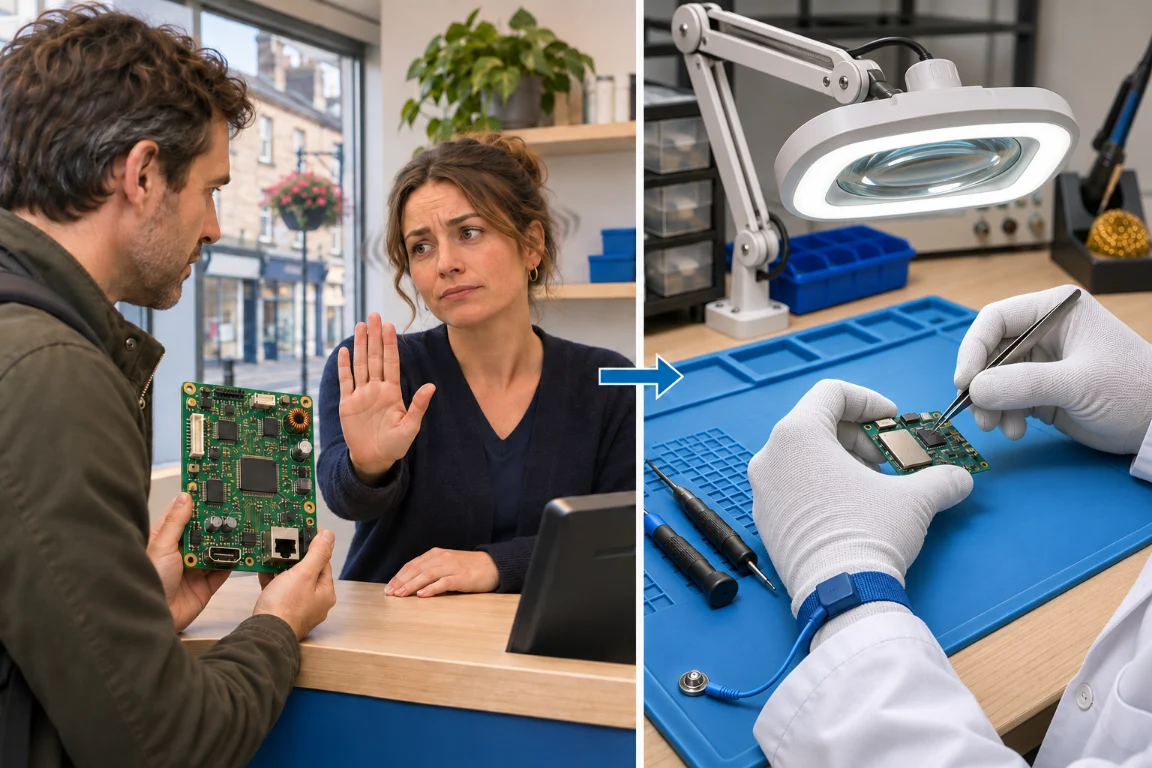
The repair centre behind your repair
Your exact Medion model, symptoms and previous damage help us decide what needs assessment. Component-level work is considered where suitable; repair options depend on the findings and available parts.
Before you decide
What to tell us, what to send and what to expect.
Yes. Identify the exact all-in-one and screen symptoms. Confirm suitability and safe transport before sending.
Tell the team the model and symptoms first. The required item and any accessories are confirmed with the booking.
Back up accessible data where possible and follow the account, encryption and access instructions provided.
Confirm size, weight, packing and carrier eligibility before booking. Do not assume a large tower or all-in-one is accepted by a parcel shop.
Electronic Partners is an independent UK repair centre. For manufacturer warranty, care plans or an authorised Medion service, contact the manufacturer directly.
Timing depends on assessment, the fault, parts availability and transport. Ask for the expected timeframe for your particular item; an online estimate does not guarantee a completion date.
Ask about the proposed parts, applicable repair warranty, exclusions and any assessment or service charge before proceeding. These depend on the item, agreed repair and current service terms.
A little help with the next step
Ask about your Medion model, suitable transport or an existing repair. Our online assistant can help you find the next step.