
This illustrated guide applies to confirmed DPD collection bookings where these options are offered. Swap-box arrangements are specific to your booking. For Royal Mail, follow the Royal Mail instructions issued with your booking.
📦 How to Reschedule Your DPD Collection
Simple steps to change your device collection time
✅ Good News – It’s Simple!
- For a booked swap-box service – Follow the supplied box and packing instructions
- Booked-service instructions – Check your DPD confirmation for box and label arrangements
- Available dates – Choose from the options offered for your booking
- Multiple options – Choose what works best for you
Step-by-Step Guide
Start from Your DPD Email
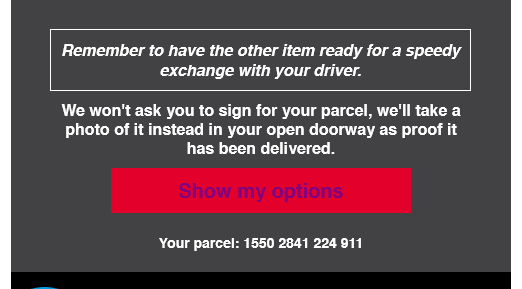
When you receive your DPD email, look for the red “Show my options” button and click it.
Click the red “Show my options” button in your DPD email
Alternative: Use the DPD Website
If you prefer, you can go directly to the DPD website:
- Open your web browser
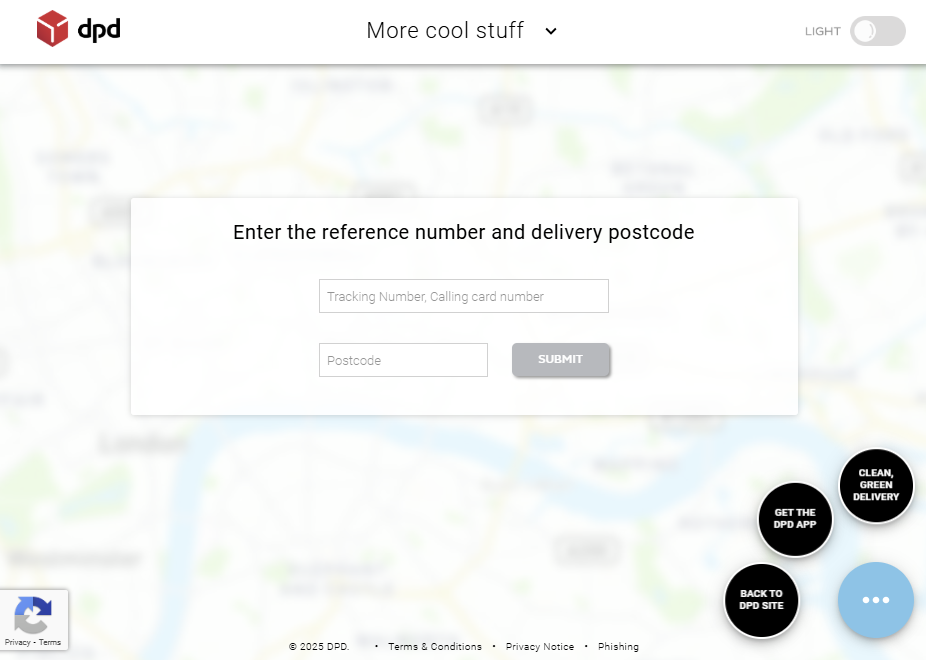
- Go to track.dpd.co.uk
- Enter your tracking number
- Enter your postcode
- Click “Submit”

Enter your tracking number and postcode on track.dpd.co.uk
View Your Parcel Status
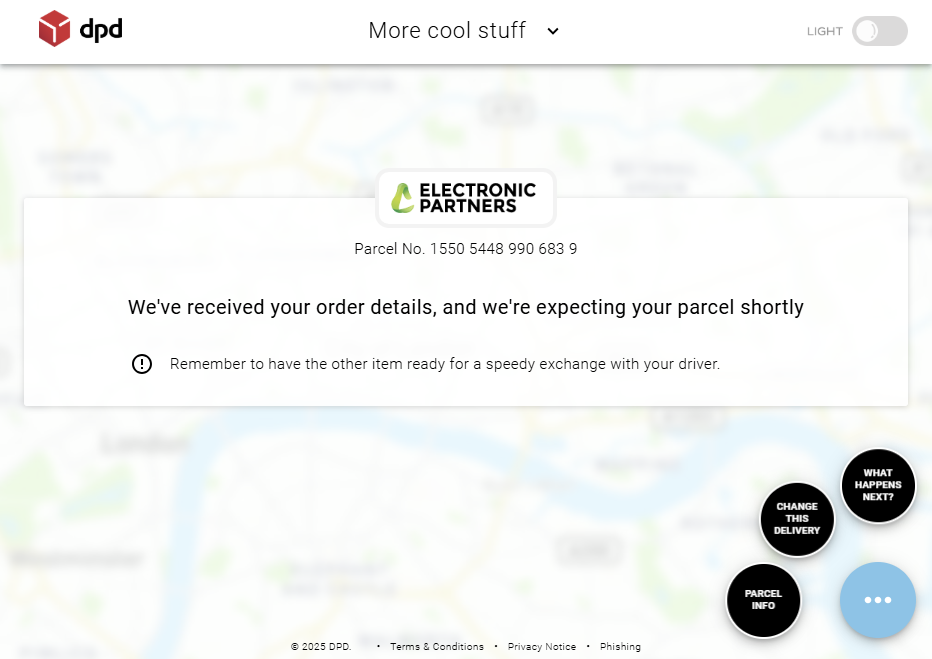
After entering your details, you’ll see your parcel status. The page will show “We’ve received your order details, and we’re expecting your parcel shortly”.

Your parcel status page with tracking information
Access Your Delivery Options
Look for the circular buttons on the right side of the screen. Click on “CHANGE THIS DELIVERY” to modify your collection preferences.
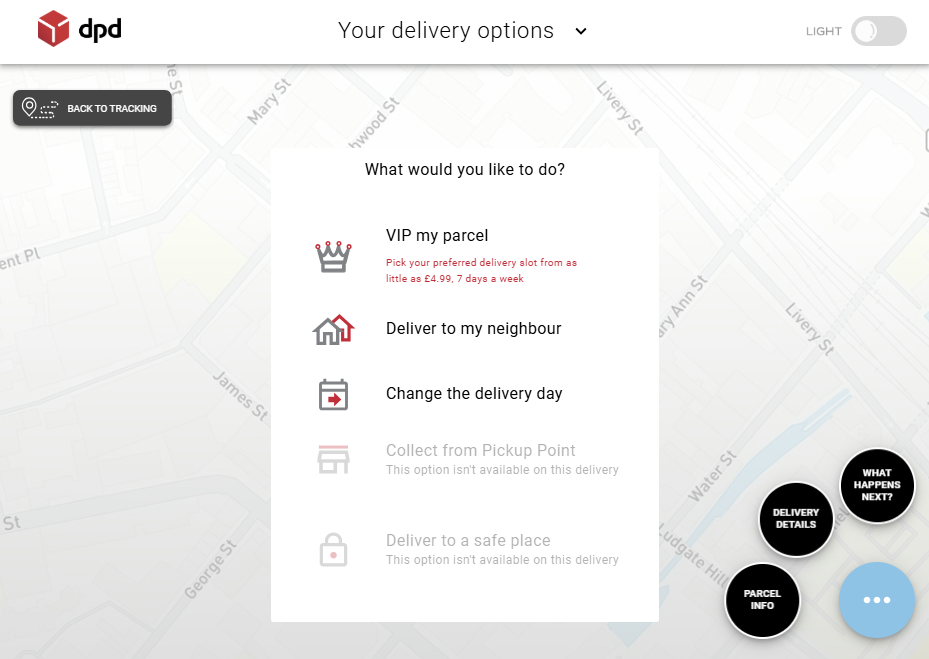
You’ll see several options including:
- VIP my parcel – Premium delivery options
- Deliver to my neighbour – Alternative recipient
- Change the delivery day – Reschedule collection

Select “Change the delivery day” from the options menu
Select Your Preferred Date
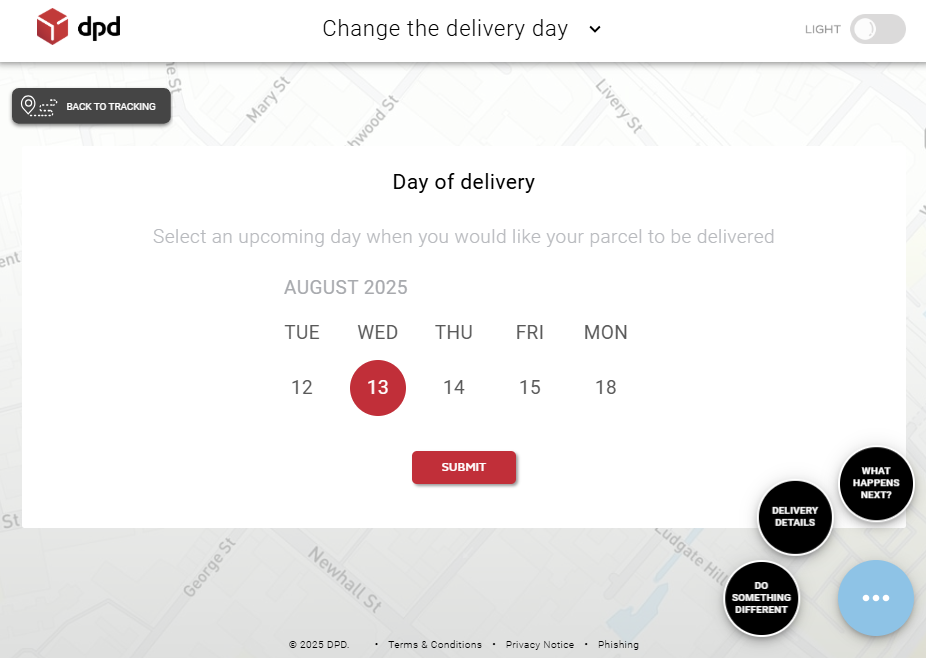
After clicking “Change the delivery day”, a calendar will appear showing available collection dates. Click on the day that works best for you.

Choose your preferred collection date from the calendar
Add Your Contact Details
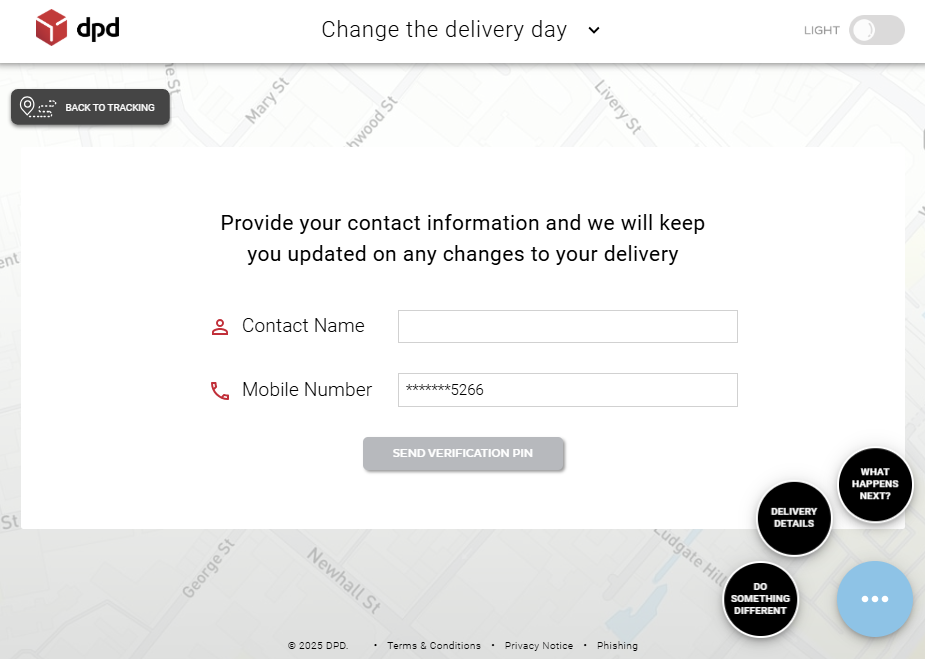
Finally, you’ll need to provide your contact information so DPD can keep you updated:
- Contact Name – Your name or the name of who will be available
- Mobile Number – For collection updates and driver contact
Click “SEND VERIFICATION PIN” to complete the process.

Enter your contact details and click “Send Verification PIN”
🎉 That’s It – You’re Done!
You’ll receive a confirmation message and updates about your new collection time. The driver will collect your device in the swap box on your chosen date.
Frequently Asked Questions
What if I’m not home during collection?
You can arrange for a neighbor to hand over the device, or reschedule for a more convenient time using the same process above.
Do I need to package my device?
For a confirmed DPD swap-box booking, use the supplied box and follow the packing instructions. Contact us before collection if your device is fragile, unusually sized or needs additional protection.
Is my device secure during transport?
Use your booking tracking details. Any courier compensation is subject to the service conditions, exclusions and value of the device in its actual condition; a payout is not guaranteed.
Can someone else hand over my device?
Yes, anyone at your address can hand over the packaged device to the DPD driver.
Need Help?
If you have any questions about the collection process or your repair, please contact us: