Samsung Galaxy Tab A9 Glass Repair
Samsung Galaxy Tab A9 Glass Repair from Electronic Partners. Reported symptoms, assessment questions and preparation for an estimate.

We Fix What Others Can't
LOCAL DROP-OFF · CENTRAL UK LAB
Drop off your iPad, Samsung Galaxy Tab, Microsoft Surface or Amazon Fire tablet at this Electronic Partners Service Point in Sulgrave. We securely route your device to our National Tablet Repair Lab in Telford for specialist diagnostic assessment and component-level repair, then return it to your chosen service point or delivery address. Service Point OX17 2RT Information
Book online before drop-off. Follow your booking instructions for packing, device eligibility and available delivery options.
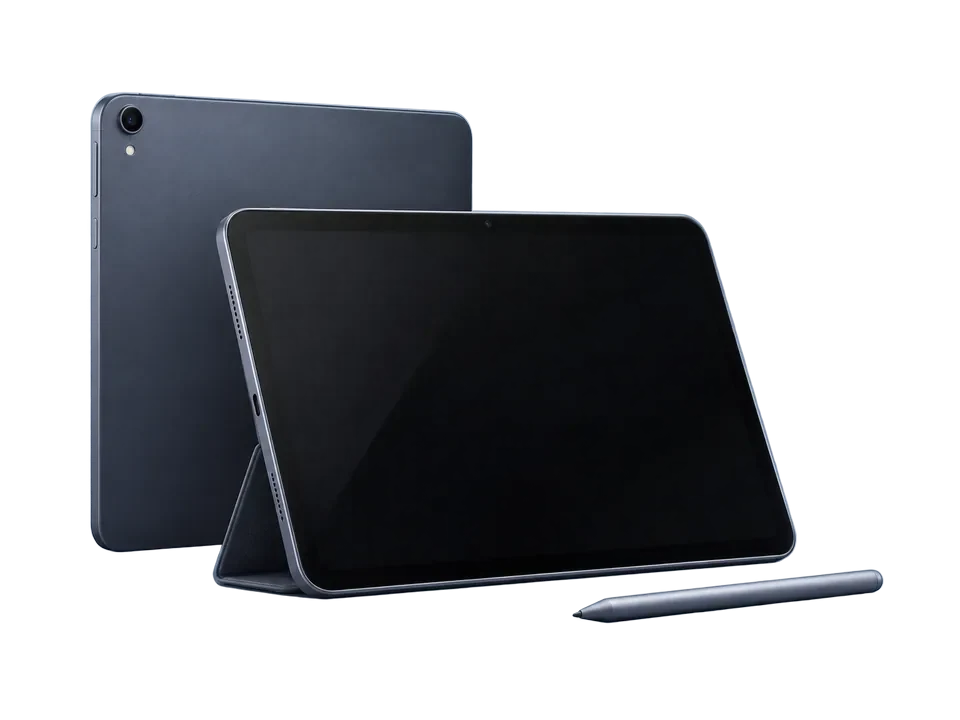
Our central UK lab assesses cracked screens, charging faults and logic-board problems on supported tablets. The model and diagnosis determine the repair options.
Cracked glass, unresponsive touch, display lines or a screen with no image.
Tell us whether the picture looks normal and touch works across the screen. Glass, digitiser and display faults can need different repairs. Your tablet’s construction and the damage determine whether a complete screen assembly is needed.
A battery that drains quickly, unexpected shutdowns or a tablet that will not turn on.
A worn battery, a charging fault or a logic-board fault can cause power loss. We check the cause before recommending a repair. Stop using and charging a tablet with a swollen or damaged battery, and contact us before arranging transport.
A loose socket, intermittent charging or no response when connected.
Tell us the model and what happens when you connect the charger. USB-C, Lightning and Surface charging connections differ. We check the socket and related circuitry. A fault inside the tablet can require more than a port replacement. Do not charge a wet tablet or one with a swollen or damaged battery.
Spills, moisture exposure or problems that began after the tablet got wet.
Stop using and charging the tablet, and tell us what happened and when. We check for corrosion and damaged connections before recommending cleaning or component repairs. A repair cannot always restore function or recover data. Liquid-damage repairs have specific warranty exclusions.
Restart loops, no power, backlight faults or problems beyond a straightforward part replacement.
Some faults need work on individual components or connections on the logic board. On suitable models, our engineers use diagnostics and micro-soldering to investigate and repair them. The board’s condition and available parts can limit what is possible.
Camera, speaker, buttons, keyboard or pen issues—or a tablet stuck starting up.
Tell us the tablet and accessory model, what has stopped working, and any earlier damage or repairs. A tablet stuck starting up may have a hardware fault as well as a software problem. Let us know if your data is the priority. Recovery options depend on the fault and condition.
We can investigate whether missed pen input or an unreliable detachable keyboard comes from the accessory, its connection or the tablet. Include the accessory model when the fault only occurs with it connected.
The model and display construction affect the cost. Some units need a combined glass and display assembly. A bent frame, damaged socket or additional logic-board fault can change the work and parts needed.
We assess tablets from these ranges. The exact model and generation help us identify the display or other parts involved.
Before booking: Include the exact tablet model, especially if it is a Surface Pro. If the screen is cracked, tell us whether it still shows a picture and whether touch works. Mention any flickering or lines on the display.
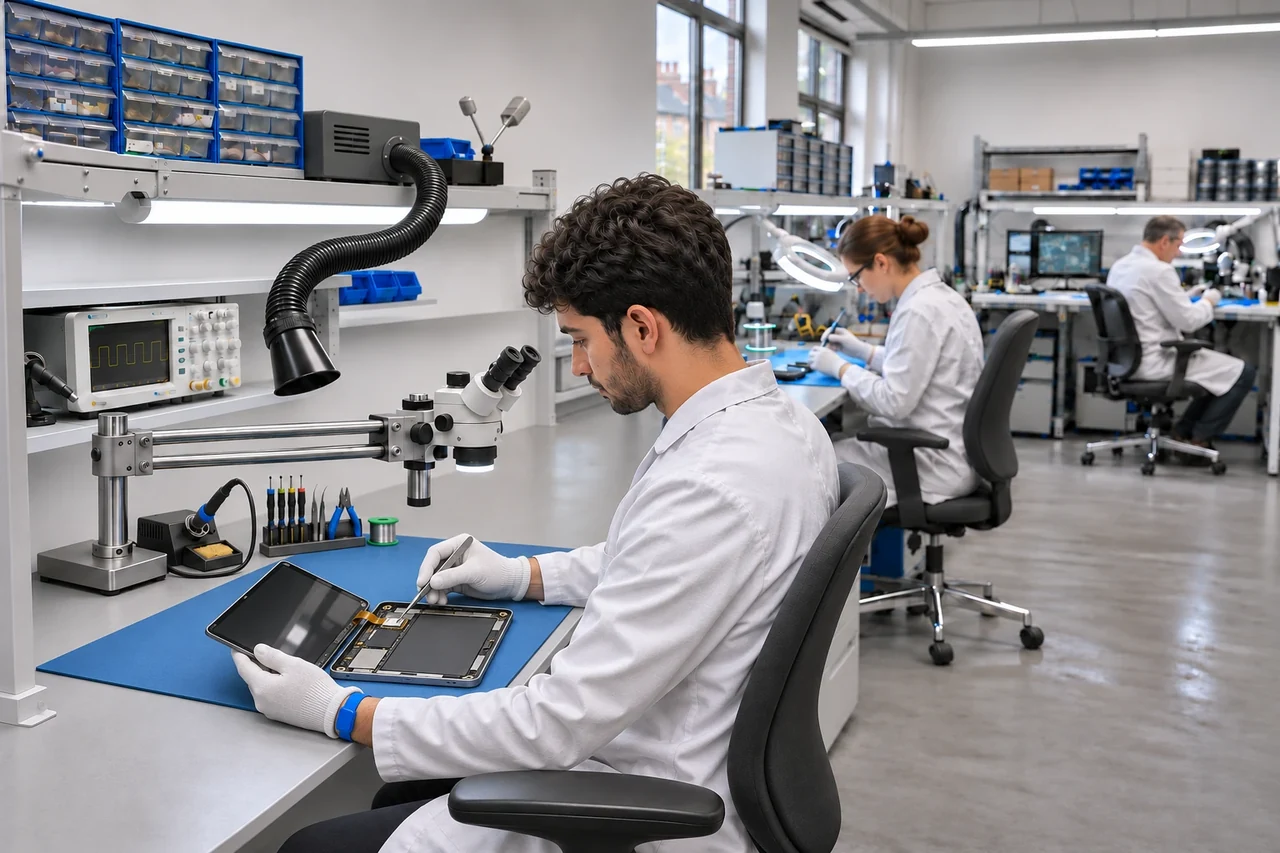
Cracked glass, lost touch and a blank display can involve different parts. The tablet model and the way its display is assembled help determine the suitable repair.
We assess the socket, battery and logic board where appropriate. If more than one part is involved, we explain the options and cost before you approve any work.
If the charging fault only occurs with a particular charger or the problem involves a keyboard or pen, tell us before arranging a handover at the Sulgrave service point. The lab can advise which items to include.
Tell us your tablet model and fault. We provide a free estimate after assessment so you can decide whether to proceed.
Use this Service Point in Sulgrave or arrange secure, tracked collection for your device.
Our engineers carry out in-depth diagnostics and specialist repairs using high-grade parts and precision tools.
We complete final functionality and stability checks before securely returning your tablet to you.
YOUR LOCAL SERVICE POINT
LOCAL DROP-OFF
Serving Sulgrave and nearby areas across Oxfordshire for tablet repairs.
Call: 03302233644
Use the address below to find this service point.
These tablet ranges include models with different glass, display and battery assemblies. Share the exact model rather than the screen size alone.
iPad Pro, iPad Air, iPad mini and standard iPad generations.
Galaxy Tab S and A models, with parts chosen for the exact version.
Surface Pro and Surface Go tablet and detachable configurations.
Fire HD 8, Fire HD 10 and Kids Edition tablets.
Google Pixel Tablet enquiries. Let us know if the fault involves the charging dock so we can confirm what to send.
If the display and touch still work, back up your files before handover. Mention a pen, keyboard or charger only if it is involved in the fault.
Some models need a combined display assembly. The lab checks which parts are needed and confirms the price before you decide. Assessment or return charges may apply. See the terms and conditions.
Confirm whether to include any accessory before using the agreed drop-off or delivery route. Find your local address in the service point details.
We offer a free, no-obligation estimate on request. Once we identify the root cause of your fault, we’ll confirm the cost before any repair work begins.
We select replacement parts for the tablet model and repair, and confirm the relevant part options and limitations before you approve paid work. Replacement screens can differ from the original in colour, touch response or supported features.
Yes. This is often a faulty charging port or a failed charging IC on the logic board. We can diagnose and repair both issues at our national lab.
If repair isn’t possible, we’ll provide a free estimate explaining why. Service charges and return postage may apply under the Terms and Conditions, including when a repair cannot be completed or is declined after diagnosis.
Yes. Surface Pro screen replacement is a specialist task due to the way the devices are sealed. Our engineers have the specific tools required to perform this repair safely.
Book your repair, package your tablet securely and bring it to your local Service Point at Post Office, The Reading Room. You can also call 03302233644 for packing advice.
Customer reviews
Google reviews of Electronic Partners from customers who used this repair service.


Examples from our tablet repair archive. These are nationwide repair examples, rather than work carried out at this drop-off point.
Repair examples are provided for illustration. Faults, outcomes, and repair viability vary by device and condition.
Looking for another Service Point in Oxfordshire? Browse locations near you.