
Electronic Partners · Repair guide
Microsoft Xbox Series X No Power Repair
Help with your Microsoft Xbox Series X: describe the symptoms, understand what needs checking and prepare a useful repair enquiry.
Assessment confirms the repair scope and parts availability.
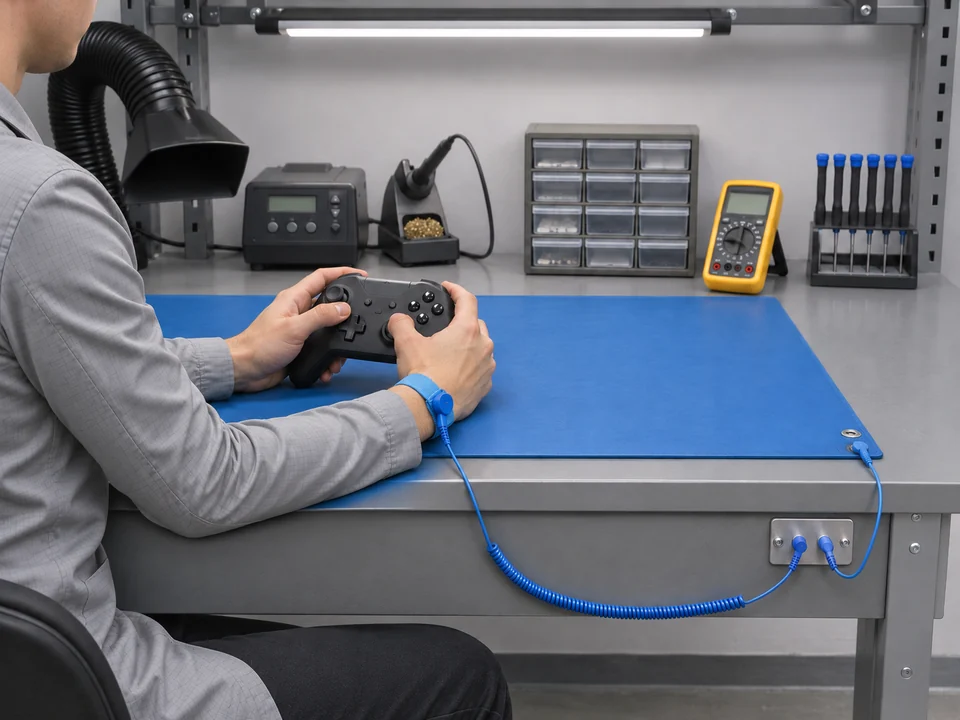

Describe the signs of power rather than assuming a board fault
No power can mean no indicator, a brief start, a repeated shutdown or a device that appears to run without a picture. Blue-light and yellow-light descriptions are symptoms, not component diagnoses. The exact sequence and model are more useful than a nickname for the failure.
Useful observations
- Are there lights, sounds, fan movement or vibration?
- Does it remain on, switch off or repeat a start sequence?
- Is the original compatible supply involved and is there any warning?
Reported symptoms on the Microsoft Xbox Series X
These anonymised enquiry descriptions show what customers reported.
Just playing games normally as you do, then all of a sudden the Xbox just powers down and is unable to be powered back up again. Tried pressing button again. Unplugging and plugging back in but no luck.
The Xbox does not power on at all, it's never been opened before. Looking up the symptoms online it sounds like a mosfet might need replacing on the motherboard or the psu has died.
I have what I believe is a power supply issue with Xbox Series X. It went pop the other night and I thought it was the fuse in the cable so I replaced the fuse and it popped again.
What the quotation needs to confirm
Assessment needs to separate a supply, connection or internal fault. No-power enquiries must not be presented as evidence of battery, power-supply or mainboard replacement.
Prepare your repair enquiry
Record the start sequence once if it is safe. Disconnect equipment with unusual heat, smells or visible damage. Do not open a mains supply, bridge connections or keep cycling a device that immediately shuts down.
For a console, identify the model and whether the console itself or a separate controller is affected. Describe the startup sequence and which compatible display, cable or controller was used when the problem appeared.
Keep passwords and private information out of descriptions and photographs.
Questions before sending it
Is the fault in the console or controller?
Identify which item is affected and give its own model. A console and a separate controller need different assessments, so confirm the items required before sending them.
What if more than one function is affected?
List every affected function and mention earlier repairs, drops or liquid exposure. Confirm which work and checks are covered by the quotation.
Customer reviews of Electronic Partners
-
 Good Gaming console service.
-
Fixed my son's PS4 power connector, no issues, fair price and speedy service. No complaints
-
Absolutely brilliant communication and quick turn around in fixing my sons broken Switch. Will be using for any of my broken electronic devices in the … More future.


