Electronic Partners · Repair guide
Sony PS 5 PS5 HDMI Port Repair
Help with your Sony PS 5 PS5: describe the symptoms, understand what needs checking and prepare a useful repair enquiry.
Assessment confirms the repair scope and parts availability.
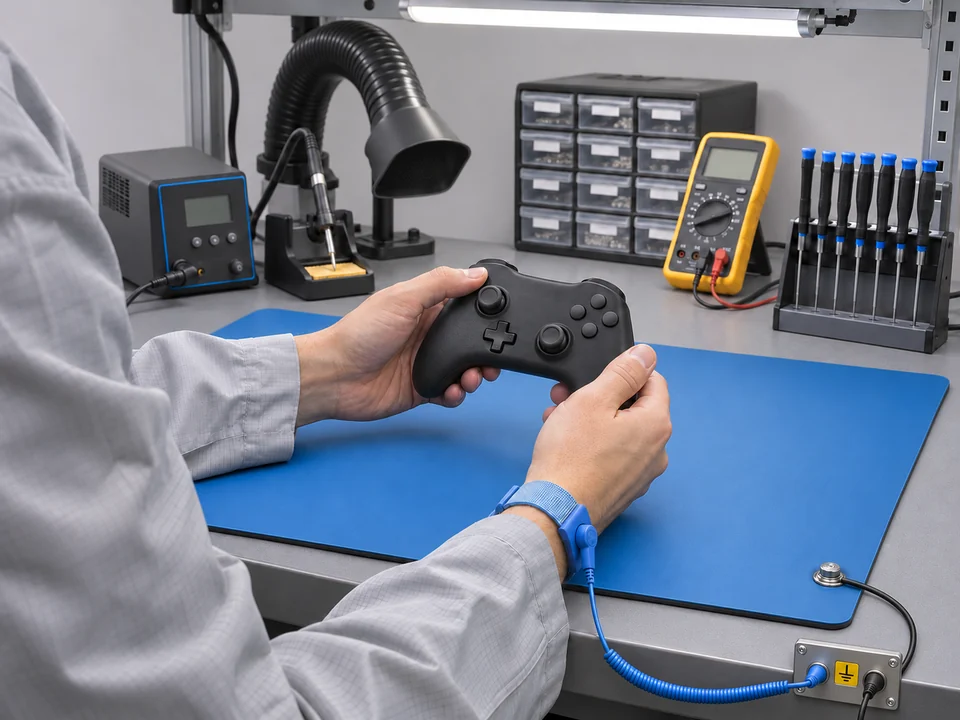

No picture does not always mean a damaged HDMI port
A no-signal message can involve the HDMI lead, selected display input, display compatibility, connector or electronics behind the port. Bent pins or a socket that has moved are useful observations, but they do not establish the condition of the board connections or other output components.
Useful observations
- Does the device start normally and remain powered on?
- Does another compatible cable and display input change the result?
- Is there visible socket damage after a pull, drop or attempted repair?
Reported symptoms on the Sony PS 5 PS5
These anonymised enquiry descriptions show what customers reported. They are not confirmed diagnoses.
Approximately one teaspoon (5 ml) of cooking oil entered through the side ventilation grille.
Same issue as before. HDMI port problem.
HDMI port is physically damaged.
Snapshot checked 2026-11-19: 3 enquiries in the preceding 365 days; 3 in the preceding 90 days. These are enquiry counts, not completed repairs.
What the quotation needs to confirm
The quote must distinguish socket work from further board investigation. No picture, by itself, is not confirmation that a replacement HDMI port will restore the output.
Prepare your repair enquiry
With the equipment switched off, check that the lead and input are the intended ones. Report the result of a known-working compatible lead or display if available. Avoid repeatedly wiggling a damaged plug; a photo is more useful than forcing the connection.
For a console, identify the model and whether the console itself or a separate controller is affected. Describe the startup sequence and which compatible display, cable or controller was used when the problem appeared.
Keep passwords and private information out of descriptions and photographs.
Questions before sending it
Is the fault in the console or controller?
Identify which item is affected and give its own model. A console and a separate controller need different assessments, so confirm the items required before sending them.
What if more than one function is affected?
List every affected function and mention earlier repairs, drops or liquid exposure. Confirm which work and checks are covered by the quotation.
Customer reviews of Electronic Partners
-
 Electronic Partners did a fantastic job repairing my headphones! As you can see from the before-and-after pictures, they’ve brought them back to life. … More I love how they look now—I can wear them out with confidence. The repair process was quick, and they even fixed my volume button, which was a nice bonus. Highly recommend their service! 😊🎧
-
Excellent service and kept informed throughout the process. Was initially concerned as I thought I was dealing with a local company where I could have … More dropped my DVD player in for repair only then to find out I had to post it via the Royal Mail service. All postal requirements were sent over and in the event the service was quick and painless and given notification of its safe arrival. As the DVD player sound surround system was around 20yrs old I was surprised that Electronic Partners were able to undertake a repair and give us many more years service of our system meaning no wastage of all the other perfectly good parts such as the speakers. EP also met my need in delaying the return postage until a time that I was able to be at home to receive the DVD player. Would definitely recommend EP and would use again where one can repair and reuse perfectly good equipment rather than unnecessarily throw it away. Many thanks EP.
-
Brilliant service! Communication was top notch, cost was competitive and I would definitely use again! So pleased to have my ancient Sony system working … More again!