Electronic Partners · Repair guide
DJI Mini 4 Pro Body Shell Repair
Help with your DJI Mini 4 Pro: describe the symptoms, understand what needs checking and prepare a useful repair enquiry.
Assessment confirms the repair scope and parts availability.
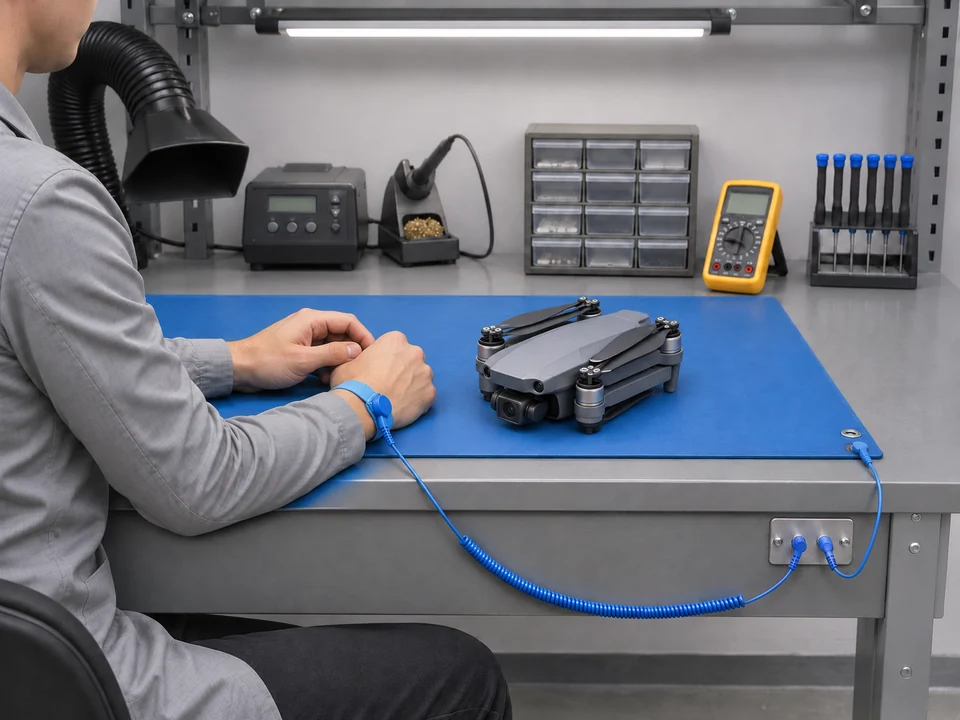

Show the damaged part and the parts around it
A broken hinge, headband, shell or cushion affects a different part of the structure. Damage may be limited to a replaceable piece or extend into adjoining housings, fixings and wiring. A clear view of both sides helps establish the scope without treating every structural fault as the same repair.
Useful observations
- Which part, joint or surface is damaged?
- Are both sides intact and are any pieces missing?
- Did sound, charging or another function change at the same time?
Mini 4 Pro aircraft and controller details
DJI describes Mini 4 Pro operation with the RC-N2 and RC 2 controllers. Tell us which controller is involved and whether a warning concerns the aircraft, live camera view or the controller itself. A general fault description does not establish that these separate items need the same work. Do not assume Mini 3 Pro parts or controllers are interchangeable.
Reported symptoms on the DJI Mini 4 Pro
These anonymised enquiry descriptions show what customers reported.
I crashed drone into a tree and it fell in a river, I managed to retrieve the drone after while and upon inspection the rear right leg is broke. I disconnected the battery and will be leaving the drone to dry out.
I crashed drone and it’s got some shell damage on the front right arm and some scrapes in other places.
Damage to, obstacle avoidance sensors, rotor blades, leg, gimble and body. This was caused by a crash.
What the quotation needs to confirm
Part availability, the condition of neighbouring fixings and any hidden cable damage affect the estimate. A cosmetic part and a load-bearing joint do not necessarily use the same repair method.
Prepare your repair enquiry
Send photographs of the whole device and the damaged area without forcing the joint open. Keep detached pieces and mention glue, tape or earlier repair work. Do not clamp broken parts together or pull on exposed wiring.
For a drone, include the exact aircraft model, any controller warning and the impact history. Do not fly damaged equipment to obtain a demonstration. Confirm which aircraft, controller or accessories should be sent.
Keep passwords and private information out of descriptions and photographs.
Questions before sending it
Should I fly it to demonstrate the fault?
Do not fly damaged equipment or run damaged propellers to obtain a demonstration. Provide photographs, the warning message and a description with the aircraft powered off.
What if more than one function is affected?
List every affected function and mention earlier repairs, drops or liquid exposure. Confirm which work and checks are covered by the quotation.
Manufacturer information
Links do not imply manufacturer authorisation or endorsement.
Customer reviews of Electronic Partners
-
 I needed to get my drone repaired and phoned a few companies. Electronic Partners were the only ones who would take on the Job. They repaired my drone … More quickly and professionally. They were absolutely BRILLIANT! I would not recommend any other company.
-
 Electronic partners repaired my drone they let me know what was going on at every stage of the repair. And very reasonable on price. My drone was delivered … More back to me exactly when they said they would. I would happily recommend them
-
Excellent service, repaired my drone recently, the portal and email communication throughout the repair kept me up to date through the whole process - … More first class, highly recommended