
Electronic Partners · Repair guide
Sony WH-1000XM4 Charging Repair
Help with your Sony WH-1000XM4: describe the symptoms, understand what needs checking and prepare a useful repair enquiry.
Assessment confirms the repair scope and parts availability.
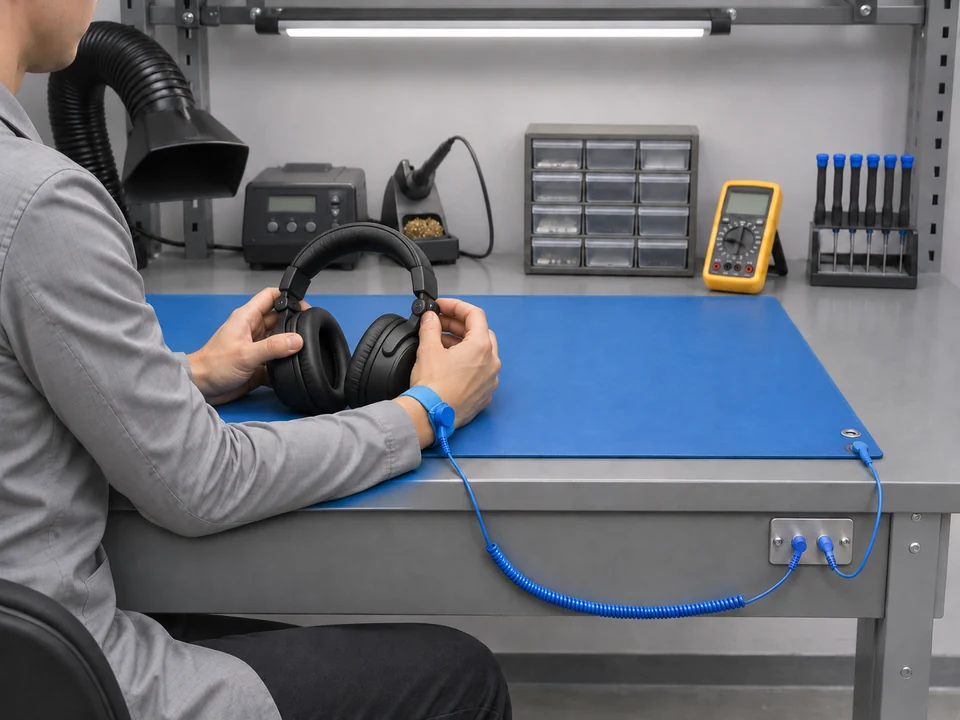

Identify where charging stops
No charging, slow charging and an intermittent connection are different symptoms. They may involve the power source, lead, socket or internal charging circuitry. A loose connector does not by itself establish that only the port is damaged, and a charger complaint should not be relabelled as a battery failure without evidence.
Useful observations
- Which compatible charger and lead were used?
- Is a charging or moisture warning displayed?
- Is the connection visibly damaged or intermittent without moving it?
Charging behaviour that can be normal on this model
Sony explains that the WH-1000XM4 cannot play music or use Bluetooth while connected for charging. Describe whether it charges and works after unplugging, rather than treating silence during charging as a confirmed fault. Include the charging-indicator behaviour and the USB power source used. Stop using a damaged or unusually hot connector.
Reported symptoms on the Sony WH-1000XM4
These anonymised enquiry descriptions show what customers reported.
Haven’t used them in a very long time and now they won’t charge. It goes red for a minute but then just stops charging. It will turn on for a split second and say battery needs charging and that’s it.
The headphones work through the AUX cable, but they won’t turn on, connect to Bluetooth or show the red charging light. I think they may have suffered water damage from being out in the rain.
Headphones won't charge as they say they are overheating but they aren't. The temperature sensor has been knocked off of the power board during another repair i think.
What the quotation needs to confirm
The assessment should separate an accessory fault from work inside the device. Ask whether the charger or lead needs to accompany the device before sending accessories.
Prepare your repair enquiry
Include the warning text and charger specification in your enquiry. Do not force a plug into a damaged socket or insert tools into it. Stop charging if the device or connector becomes unusually hot or there are signs of liquid.
For headphones, name the exact model and affected side. Explain whether the fault changes between the supported wired, wireless or noise-control modes. Include photographs of structural damage and keep detached pieces.
Keep passwords and private information out of descriptions and photographs.
Questions before sending it
Should I send cables and detached pieces?
Describe the connection used and keep any detached pieces. Confirm which headphones, cables or accessories are required before sending them.
What if more than one function is affected?
List every affected function and mention earlier repairs, drops or liquid exposure. Confirm which work and checks are covered by the quotation.
Manufacturer information
Links do not imply manufacturer authorisation or endorsement.
Customer reviews of Electronic Partners
-
 Not cheap, but fast and effective. Saved a pair of Beats Solo 2's which had lost sound to the right ear. Headphones back within a week and on the … More standard service.
-
 Found their website, sent a quotation request, received a quote.
Sent the headphones, received a confirmation e-mail, had a delivery confirmation.... and … More the headphones arrived back 3 days later!
Just a perfect service.... enough said I think. -
 Cannot recommend these guys highly enough.
Repaires a £300 pair of Westone headphones for a very reasonable amount. I had them back and working in a week … More fro start to finish.
I will happily use Electronic Partners again.