
Electronic Partners · Repair guide
Apple MacBook Air General Fault Repair
Help with your Apple MacBook Air: describe the symptoms, understand what needs checking and prepare a useful repair enquiry.
Assessment confirms the repair scope and parts availability.
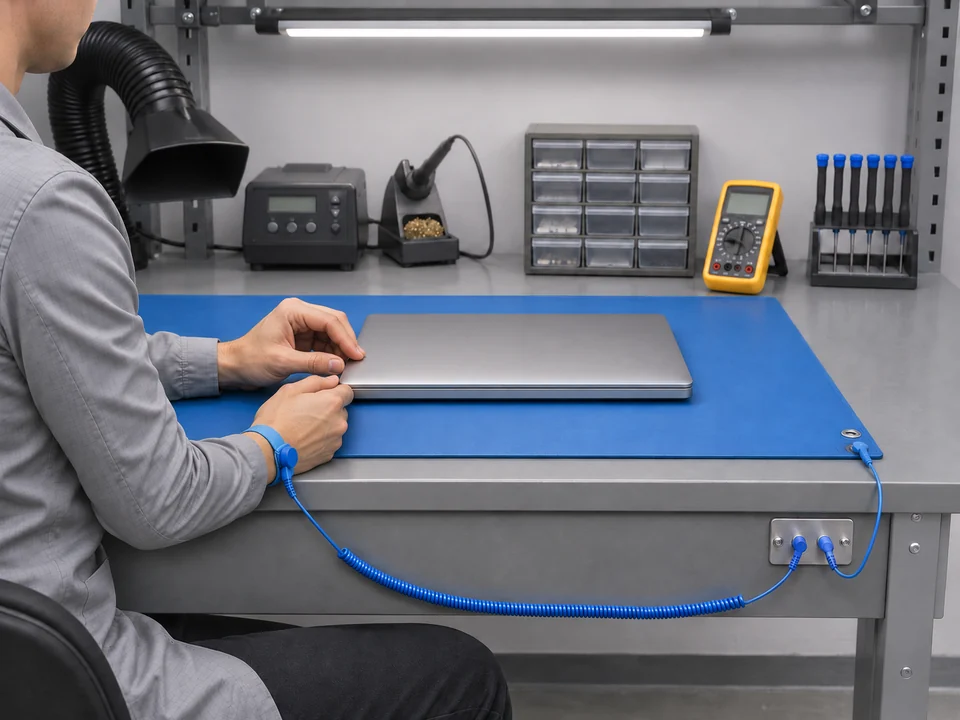

Turn a general fault into a useful repair enquiry
A broad fault label does not identify the work required. Describe the function that has changed, the first sign of the problem and whether the device still powers on. Model-specific information and a clear example help establish whether this is an appropriate repair route.
Useful observations
- What should happen and what happens instead?
- Is the problem constant or does it occur under particular conditions?
- What warning, damage or previous repair history can you show?
Find the full Mac model and year
Apple explains how to find the Mac model name through About This Mac or existing product information. MacBook and MacBook Air names cover multiple generations. Include the model and year with the failed function or startup behaviour; that information is needed before assuming a board, port or charger specification. Keep serial numbers and account details out of public fault descriptions.
Reported symptoms on the Apple MacBook Air
No suitable public symptom description is available. Use the observations above to describe your own fault.
What the quotation needs to confirm
An assessment is needed before repair scope, parts, price or viability can be confirmed. If the fault cannot be reproduced or the required test setup is unavailable, the next decision may differ from a straightforward part replacement.
Prepare your repair enquiry
Give the complete model identifier, a concise symptom description and photographs where useful. Remove private information from screenshots. Avoid opening the device or trying an unverified fix simply to identify the failed part.
For a laptop, give the full model and compatible charger details. Describe any startup display or warning and back up important files if the device is usable. Do not provide account passwords in a public symptom description.
Keep passwords and private information out of descriptions and photographs.
Questions before sending it
Should I include the charger?
Give the charger specification and say whether the fault changes on battery power. Confirm the requested items before dispatch; a charger is not automatically needed for every laptop fault.
What if more than one function is affected?
List every affected function and mention earlier repairs, drops or liquid exposure. Confirm which work and checks are covered by the quotation.
Manufacturer information
Links do not imply manufacturer authorisation or endorsement.
Customer reviews of Electronic Partners
-
 Excellent service, fast and efficient and very cost effective. I left my work laptop in and the HD was fixed within a matter of hours!
-
 After wrecking my laptop trying to re-do the liquid metal thermal paste myself, as there is nowhere local that can do that kind of job, EP replaced the … More connectors I broke (small parts, bad eyesight), and re-did the liquid metal. The detail, and documentation from them, at every step, was very professional, and reassuring, especially for a first time customer.
Fantastic service, and much cheaper than I had imagined. No more touching fiddly electronics myself again! -
 Thanks for fixing my macbook