Ender homing or levelling
Tell us which axis fails to find home and whether the error occurs before the first layer or during a repeated calibration.

We Fix What Others Can't
Electronic Partners · Independent UK repairs
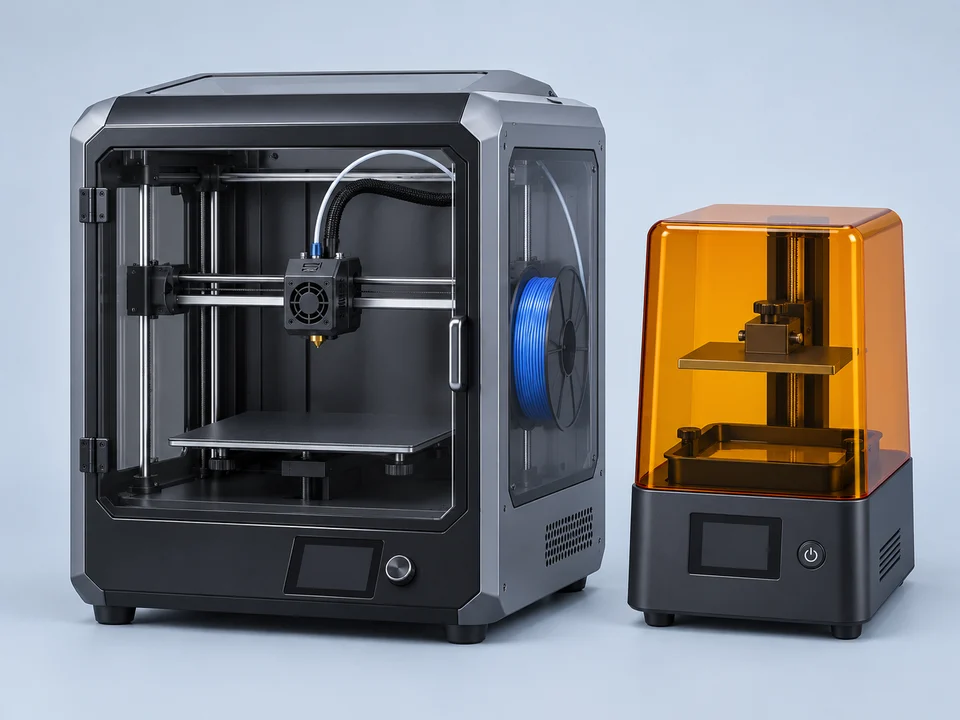
Tell us the exact Creality model and the last stage it completes. Ender and K series filament machines need different details from a HALOT resin printer that will not expose or lift a print.
We confirm suitability for your exact model before you send it.
 Specialist assessment
 Repair at our UK centre
 Repair options explained
What is happening?
Tell us the symptom and when it occurs. An error message helps guide assessment.
Tell us which axis fails to find home and whether the error occurs before the first layer or during a repeated calibration.
Supply the exact error and whether it happens at startup, as temperature rises or at printing temperature.
Note whether filament loads and whether the fault began after changing the nozzle, material or extruder.
Tell us which movement triggers a noise, or whether the printer pauses with a Creality OS code.
If you have already run the manufacturer's exposure test, describe the result. State whether the screen reports an error or the print fails without one.
Describe a blank screen, frozen logo or reboot. Note any recent firmware, screen or control-board change.
Identify your equipment
You can also enquire about an unlisted model. Give the full label or variant so we can check suitability and parts availability.
How it works
Request an estimate with the exact model, what the device does and when the fault began.
We review the enquiry and explain assessment options. Confirm which equipment and accessories are needed before booking.
Follow the agreed packing and delivery instructions for your equipment. The UK repair centre assesses the reported fault.
We explain the options, timing and any applicable charges. Agreed work depends on the findings and availability of parts.
Switch off, unplug and allow the printer to cool before packing. Follow the manufacturer's transport instructions for securing moving parts. For resin equipment, agree safe handling and report any contamination before booking.
Help us assess the fault
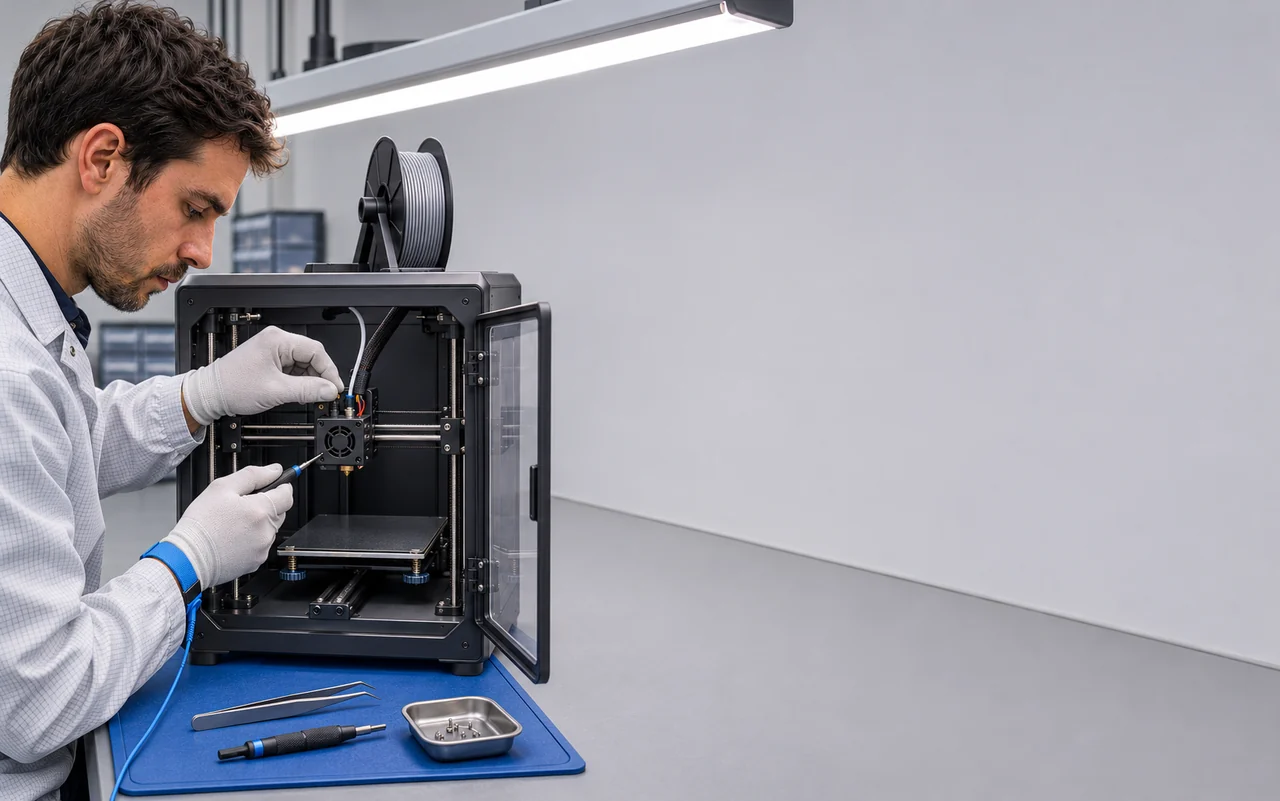
A poor first layer can reflect setup, material or a machine fault. Note whether levelling completes and whether the fault persists across jobs. On a HALOT it helps to separate a repeatable display or motion error from a print that has simply failed to adhere. Confirm which parts are needed before sending the printer.
Before you decide
What to tell us, what to send and what to expect.
Yes. Send the exact variant and a list of changed parts or firmware, with when the symptom began. The modifications affect what we can test and which replacement parts are suitable.
Save the number or message as shown and say whether it happens during homing, bed levelling, extrusion or later in the print.
State whether the problem is on every file, whether the platform moves, and whether you have already observed an abnormal exposure test. If resin spilled, mention that before booking.
Usually the material name and settings are more useful at enquiry. Keep any consumables at home unless specific handling has been agreed. Resin printers need model-specific preparation.
We provide an independent UK repair assessment. For manufacturer cover, recalls or authorised service, contact Creality.
Timing depends on the fault, available parts and transport. Ask about the expected timeframe for your equipment when you enquire.
Ask what assessment, parts, return charges and repair warranty apply before you proceed. See the current service terms.
Help with the next step
Ask about your Creality model, confirmed transport options or an existing repair.