
Specialist 3D printer repairs
3D printer repair UK.
Repairs for filament, resin and professional 3D printers, from extrusion and heating faults to movement, exposure and electronics problems.
Our specialists assess and repair 3D printers at our central UK service centre. Tell us the make, exact model and fault so we can confirm the work, packing and transport arrangements.
All printer types welcome. Repair options depend on the model, condition, available parts and the work needed. Confirm handling before sending large-format or industrial equipment.
Common faults
3D printer repair services.
Choose the problem closest to what you have noticed. You do not need to diagnose the fault before contacting us.
Power & electronics
No power, unexpected shutdowns, a blank control screen or an error that stops the printer.
Tell us what happens at switch-on and include the full error message. Power supplies, control boards, displays, wiring and connections can cause different symptoms. We investigate the cause before recommending parts or component repairs. Stop using a machine with damaged wiring or signs of overheating.
Ask about this faultExtruders & filament feed
Clicking, blocked material flow, under-extrusion or a printer that stops feeding filament.
A blockage can be in the nozzle, hotend or another part of the filament path. Feed gears, sensors, material condition and settings can also affect extrusion. Tell us the filament, nozzle and printer model, plus any recent changes. Replacing the nozzle is not an automatic solution to every feed problem.
Ask about this faultHeating & temperature
A bed or hotend that will not heat, unstable readings or repeated temperature errors.
Heaters, temperature sensors, cables and control electronics need different checks. Give us the exact error and say whether it affects the bed, toolhead or chamber. Stop using a printer that overheats or reports a thermal safety fault. Do not bypass temperature protection to keep printing.
Ask about this faultMovement & bed levelling
Layer shifts, grinding, homing failures, uneven movement or repeated levelling problems.
We assess relevant belts, pulleys, motors, bearings, guides, probes and connections. Describe which axis is affected and when the problem occurs. Bed condition and setup can also affect first layers. Tell us about collisions, transport damage or earlier adjustments so we can distinguish wear or damage from setup problems.
Ask about this faultResin exposure & print systems
Incomplete curing, missing sections, failed exposure or a resin printer that will not complete a print.
Resin printers use different light and motion systems. Depending on the model, a problem may involve the exposure screen, light source, optics, tank film, movement or electronics. Resin condition and print settings also matter. Tell us the machine and material, and disclose any resin spill before sending it.
Ask about this faultPrint quality & other faults
Poor adhesion, repeated failed prints, cooling problems, connection errors or faults after an update.
A failed print does not always mean the printer has a broken component. Share clear photos, relevant errors and the material and settings used. We assess the symptoms alongside the hardware and confirm suitable work. Tell us about modifications or firmware changes; some software, account or cloud issues need the provider’s support.
Ask about this faultRepair acceptance and parts availability depend on your exact model and condition.
Equipment & model examples
3D printers we repair.
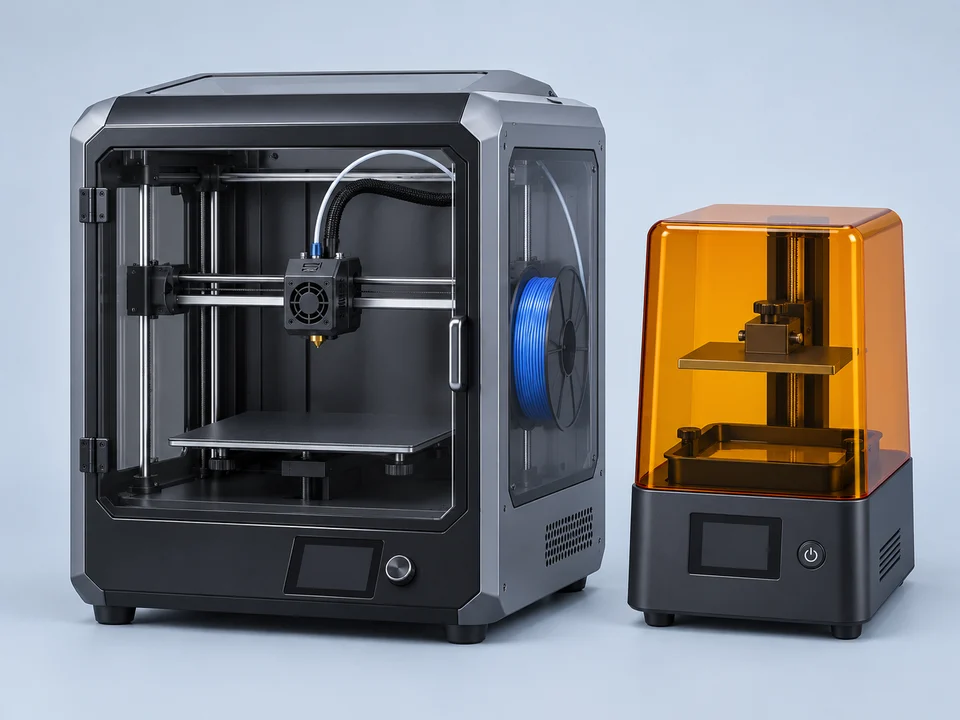
We repair all types of 3D printer, including FDM/FFF filament machines and SLA, MSLA and DLP resin printers. We also welcome professional, large-format, powder-based and other industrial equipment. Tell us the exact model and fault so we can agree the assessment and handling arrangements. These are examples; unlisted makes and models are welcome too.
Bambu Lab
A1, P1 and X1 families, including enquiries involving material-feed accessories.
Creality
Ender, K1 and CR families, from open-frame filament printers to enclosed machines.
Prusa
MINI, MK and XL families, including single-tool and multi-tool systems.
Anycubic
Kobra filament printers and Photon resin machines.
Elegoo
Neptune filament printers and Mars or Saturn resin models.
Formlabs
Form resin printers and Fuse powder-based systems. Confirm handling before moving the machine.
Examples help us identify your equipment. Please give the exact model when enquiring. Repair options depend on condition, suitable parts and access for testing. Manufacturer names do not imply authorisation.
Assessment before replacement
The expertise behind your 3D printer repair.
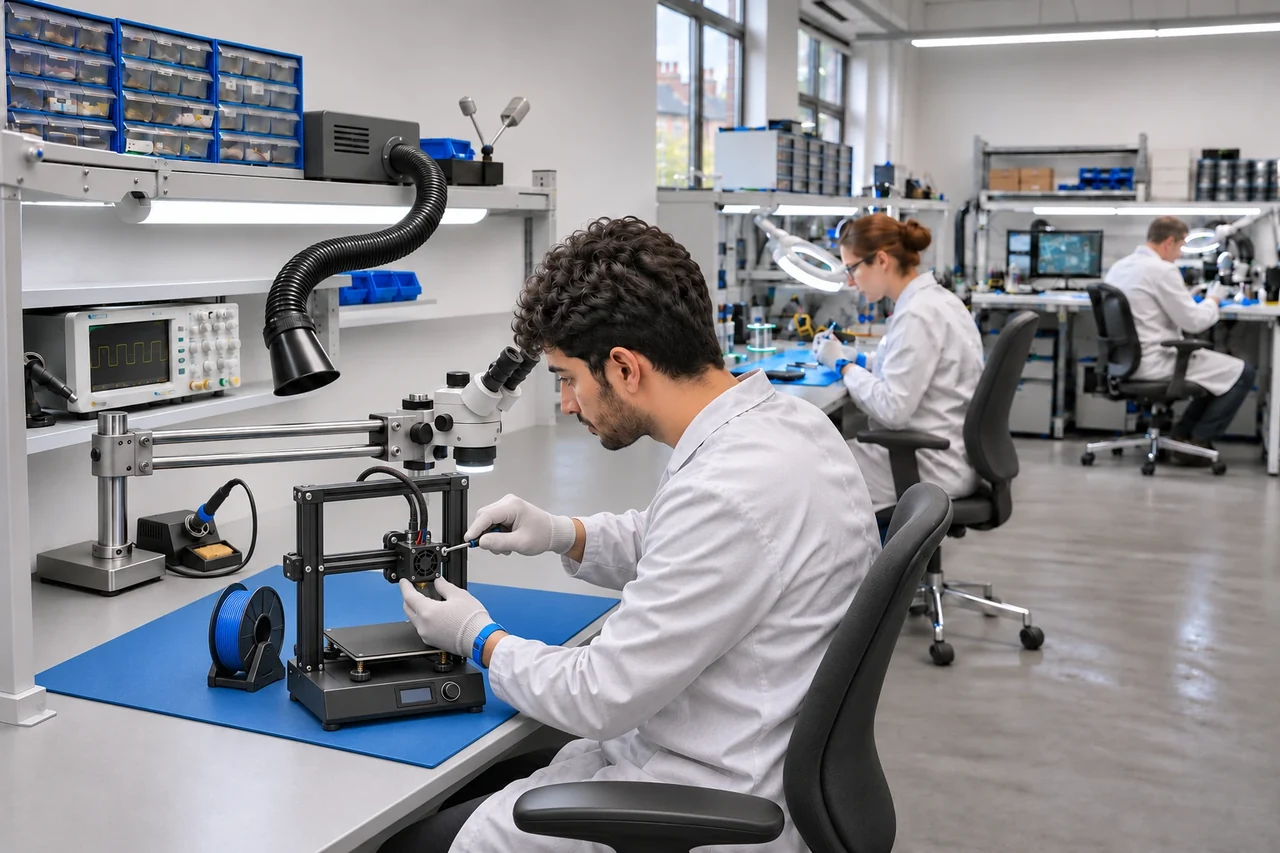
Electronic Partners has repaired electronics since 2004. A failed print can start with a worn feed component, a loose connection, a movement problem or settings that do not match the material. Our engineers assess the symptoms and the relevant mechanical and electrical systems before recommending work.
Filament, resin and industrial printers use different materials and processes. We consider the exact machine, any modifications and the intended use when explaining repair options. Tell us if it is part of a production workflow so we can agree the checks, equipment and return arrangements needed.
If a repair is not worthwhile, we explain why so you can make an informed decision.
Genuine parts where possible or suitable compatible alternatives. Ask about the proposed parts and applicable warranty.
How it works
Four steps. One specialist team.
Know what happens before you send your 3D printer.
-
Request an estimate
Tell us your printer’s make, exact model, printing process and symptoms for a free online estimate.
-
Book & send
Book your repair and confirm suitable packing, preparation and transport for your machine before sending it.
-
Assess & approve
We diagnose the fault and send you an exact quotation. Repair work starts once you approve it.
-
Test & return
We carry out the checks agreed for the repair and your printer’s process, then arrange its return.
Repair costs
What will my 3D printer repair cost?
The printer, fault and required parts affect the cost. Tell us the model, printing process and symptoms for a free initial estimate. The exact quotation follows diagnosis, and repair work starts once you approve it.
A feed, heating, movement or electronics repair may be worthwhile if the printer still meets your needs. Extensive damage, unavailable parts or substantial transport costs can change the decision. We explain the proposed work so you can compare repair with replacement.
Check your quotation and booking terms for applicable diagnosis, service, delivery or return charges. An estimate is not a fixed repair price.
Read our repair terms and warranty information for coverage, exclusions and applicable charges.
Before assessment
Before you send your 3D printer.
Record the fault
Note the exact error and when it appears. Clear photos of the failed print or short videos of the problem can help. Tell us whether it happens on every job or only with a particular file, material or stage of printing.
Describe the setup
Give us the printer model, material, nozzle or resin type, and any recent changes. Mention modifications, firmware updates, earlier repairs or a collision. Keep relevant logs, print profiles and settings available without sharing account passwords.
Agree what is needed
Ask which accessories, material-feed unit or sample files are needed for assessment. Confirm any requirements for production equipment before it is moved. Do not send proprietary designs, printing materials or solvents without discussing them first.
Preparation & transport
From your workshop to our repair centre.
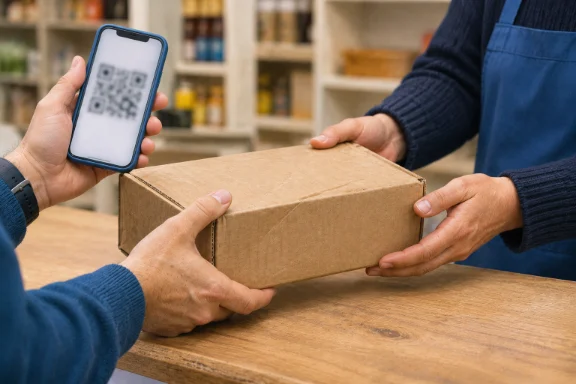
Repairs take place at our central UK service centre. Tell us the machine’s size, weight and printing process so we can confirm suitable transport. Eligible parcels can use a local service point when confirmed in your booking.
Ask about your repair →Book before you send
Confirm the machine, fault and equipment needed for assessment before posting anything or visiting a service point. Large-format, professional and industrial systems need handling arrangements agreed first.
Prepare the machine
Switch off, unplug and allow it to cool. Follow the model-specific instructions for removing consumables and securing moving parts. Resin machines must be drained and cleaned as agreed, using the material’s safety guidance. Tell us about spills or contamination before packing.
Follow the packing instructions
Use the agreed packing and the manufacturer’s transport guidance. Confirm which tanks, platforms or accessories to include. Do not send loose resin, powder, solvents or other consumables unless suitable handling and transport have been expressly agreed.
Before you book
3D printer repair questions.
Repair options, assessment and preparing your 3D printer.
Is the online 3D printer repair estimate free?
Yes. Tell us the make, model, printing process and symptoms for a free initial estimate. Photos and exact error messages help. The exact quotation follows diagnosis. Check your booking and repair terms for any applicable assessment, service, delivery or return charges.
Do you repair both filament and resin 3D printers?
Yes. We repair FDM/FFF filament printers and resin technologies including SLA, MSLA and DLP. We also welcome enquiries for professional, powder-based and other industrial machines. Give us the exact model, process and fault so we can confirm the assessment, equipment and handling arrangements.
Does a failed print mean the printer needs replacement parts?
Not necessarily. Material condition, print profiles, supports, first-layer setup and maintenance can affect results. Hardware faults can produce similar symptoms. Tell us what changed and show us the failure so we can assess the cause rather than assume every print problem needs a new component.
Can you help with calibration and print-quality problems?
We assess levelling, movement and print-quality enquiries alongside hardware faults. Tell us your machine, material and the result you need. We confirm which adjustments or checks are appropriate and what is included in the quotation. Routine setup checks differ from certified calibration or a guarantee for every material and print.
How long will the repair take?
The fault, parts, model and service booked affect the time required. Diagnosis and completing the repair are separate stages. Ask about current times before sending the printer, especially for production equipment or a less common model. We do not promise a fixed turnaround before assessing the work.
How should I send a resin or large-format printer?
Book first and confirm the dimensions, weight, printing process and any contamination. Follow the agreed cleaning and model-specific packing instructions. Do not send a machine containing loose liquid resin or other printing material. Large or industrial equipment may need specialist transport; standard parcels and local drop-off are not suitable for every machine.
Do I need to send print files, materials or accessories?
Tell us which file, material and settings produce the problem and keep relevant logs or photos. We confirm what is needed before you send it. Do not include proprietary designs, account passwords, loose resin, powder or solvents without discussing the requirements first. Back up stored files and settings where possible; repair or firmware work can affect them.
What parts and warranty apply?
We explain the proposed parts and applicable warranty with the quotation. Availability depends on the machine and repair. Cover follows the agreed work and repair terms, including relevant exclusions and consumable wear. Ask about any existing manufacturer warranty before booking an independent repair.
Customer reviews
Reviews across our repair services.
Customer reviews of Electronic Partners across our repair services.
-
 Sensational service. Very speedy, great communication, and fixed perfectly!
-
Brilliant service with clarity step-by-step as to how the repair was progressing. Would highly recommend Electronic Partners.
-
Brilliant service! Communication was top notch, cost was competitive and I would definitely use again! So pleased to have my ancient Sony system working … More again!



Ask our team
Not sure where to start?
Ask us about your 3D printer, a production machine or an existing repair. Use the chat below, or call our support team.
Managing repairs for a business? Explore business & trade repair services →