Station does not charge
Record the base indicator and what the robot shows once seated. Note whether contacts are visibly damaged without opening either unit.

We Fix What Others Can't
Electronic Partners · Independent UK repairs
Is your Dreame robot getting lost, losing charge or leaving water in the base? Tell us the exact L, X or other series suffix and which functions work. That helps separate an issue in the robot from one in the station.
We confirm suitability for your exact model before you send it.
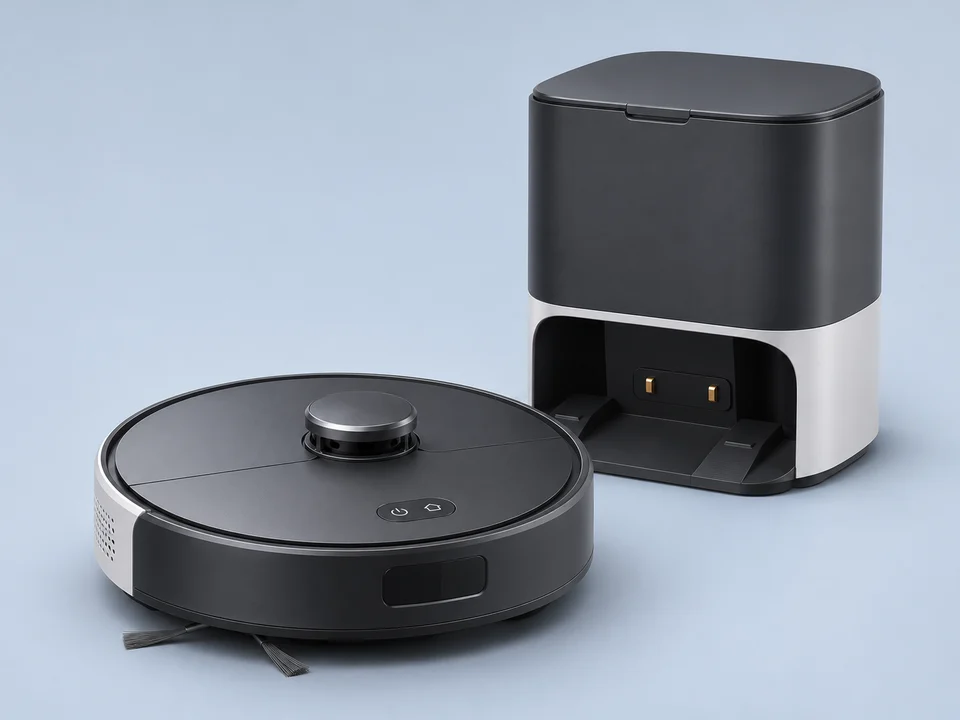
 Specialist assessment
 Repair at our UK centre
 Repair options explained
What is happening?
Tell us the symptom and when it occurs. An error message helps guide assessment.
Record the base indicator and what the robot shows once seated. Note whether contacts are visibly damaged without opening either unit.
Say if it fails when returning after a run, or cannot climb onto the dock even when it gets there.
Tell us whether the base reports a tank error, the mop pads stay dry or the wash tray retains dirty water.
If the station starts emptying, say whether it completes the cycle and whether debris is still in the robot bin.
Describe any repeated turning, scraping noise or jam warning. Note if it happens only on a rug or threshold.
Describe whether the map changed after the dock was moved or the robot was relocated, and capture it in Dreamehome.
Identify your equipment
You can also enquire about an unlisted model. Give the full label or variant so we can check suitability and parts availability.
How it works
Request an estimate with the exact model, what the device does and when the fault began.
We review the enquiry and explain assessment options. Confirm which equipment and accessories are needed before booking.
Follow the agreed packing and delivery instructions for your equipment. The UK repair centre assesses the reported fault.
We explain the options, timing and any applicable charges. Agreed work depends on the findings and availability of parts.
Agree exactly what to send before packing. Empty removable dust and water containers, let cleaned parts dry and follow the agreed shutdown instructions. Tell us about battery damage or water leakage before arranging transport.
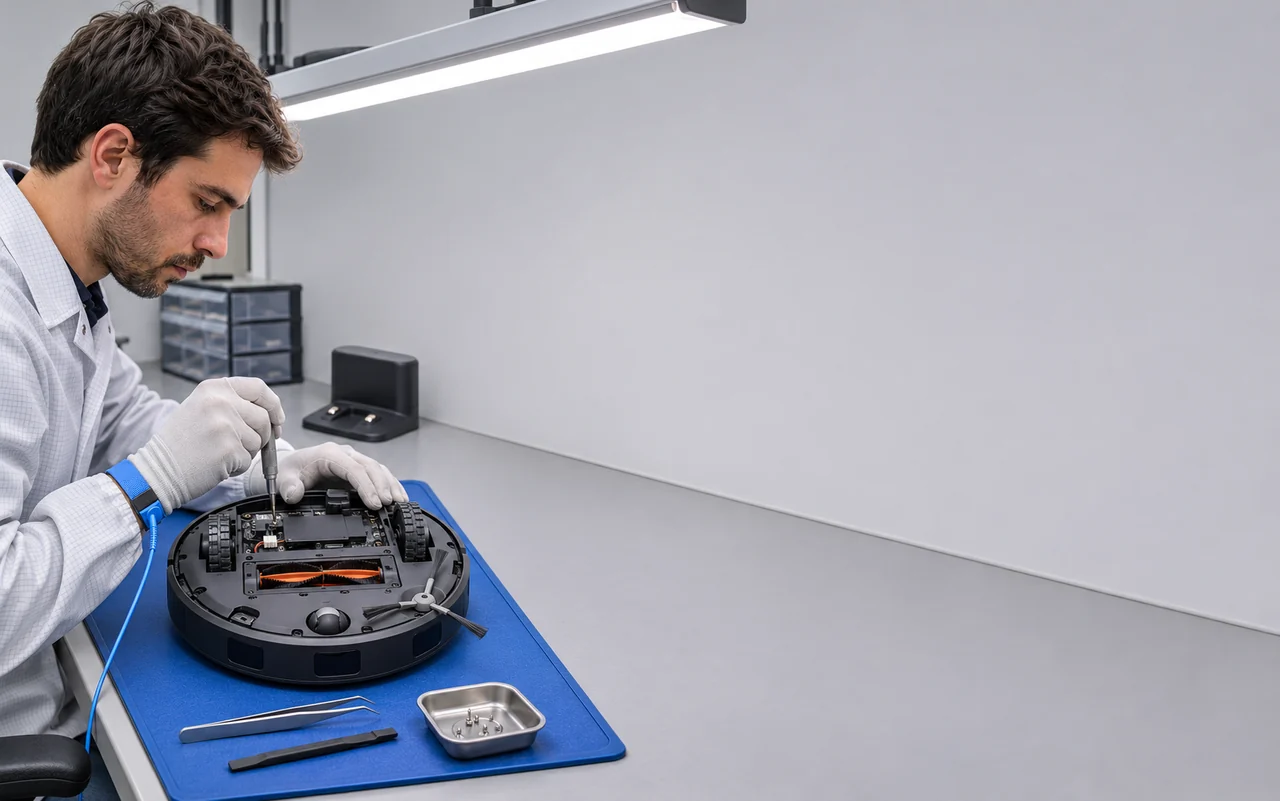
Help us assess the fault
For a base station fault, we need to know where the cycle stops: water delivery, washing, pumping away dirty water or emptying the bin. That helps us establish what should come in for assessment. If water has escaped outside the tray, stop using the affected station and describe where it appeared.
Before you decide
What to tell us, what to send and what to expect.
Say if water stays in the tray or spills outside it, if the dirty water tank fills, and whether the error follows each wash. Include the station model and any recent changes.
It depends on the fault. A water, emptying or charging issue can involve the paired base. Confirm what to send before arranging transport.
Map changes alone cannot identify the part. Tell us whether the dock was moved, what the robot does during a run and whether an app or sensor error appears.
Wait for instructions on which parts to include. Empty the removable tanks, follow the model's manual and tell us if you have a plumbed station or any water leakage.
We provide an independent UK repair assessment. For manufacturer cover, recalls or authorised service, contact Dreame.
Timing depends on the fault, available parts and transport. Ask about the expected timeframe for your equipment when you enquire.
Ask what assessment, parts, return charges and repair warranty apply before you proceed. See the current service terms.
Help with the next step
Ask about your Dreame model, confirmed transport options or an existing repair.