Neptune first layer or levelling
Say whether levelling completes, whether the first layer is affected across the full plate and what changed before symptoms started.

We Fix What Others Can't
Electronic Partners · Independent UK repairs
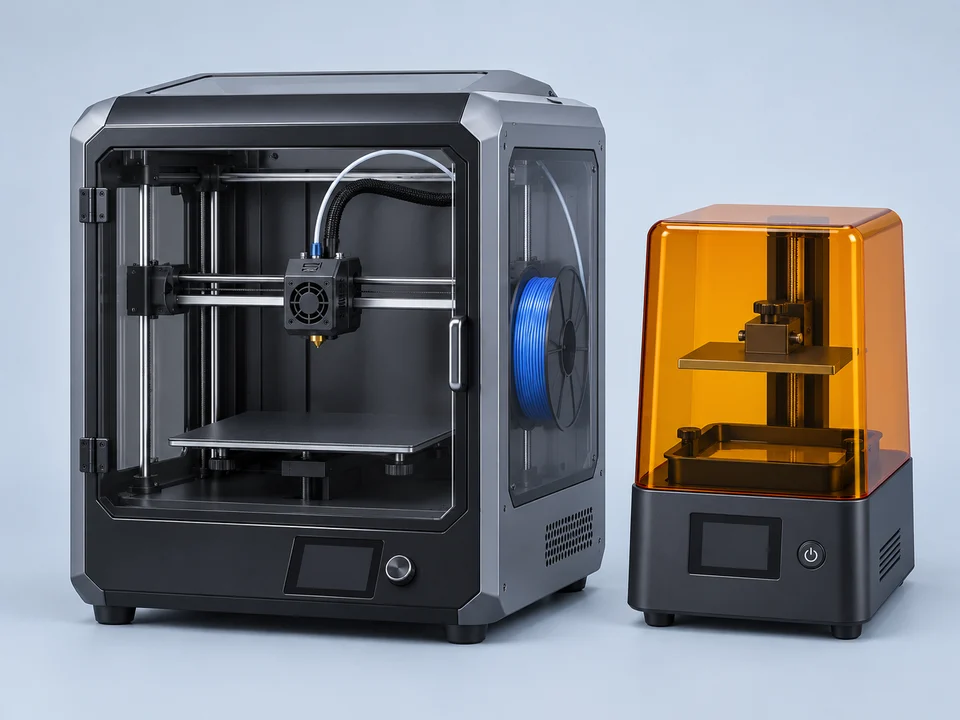
For an Elegoo repair enquiry, identify whether it is a Neptune filament printer or a Mars or Saturn resin printer. Describe the stage that fails, and tell us whether the display gives a repeatable error.
We confirm suitability for your exact model before you send it.
 Specialist assessment
 Repair at our UK centre
 Repair options explained
What is happening?
Tell us the symptom and when it occurs. An error message helps guide assessment.
Say whether levelling completes, whether the first layer is affected across the full plate and what changed before symptoms started.
Tell us which heater is affected and if it fails straight away or drops temperature during a job.
Describe whether material reaches the nozzle, skips or stops feeding. Include any recent nozzle swap, filament or sensor changes.
Identify the axis and whether the issue occurs during homing, a self-test or printing. Mention a collision or jam if one occurred.
Describe whether an exposure test already attempted showed an uneven or missing image, and if print failure repeats in the same area.
Tell us whether the model starts to lift or tilt as expected and disclose any spill or damaged tank before packing.
Identify your equipment
You can also enquire about an unlisted model. Give the full label or variant so we can check suitability and parts availability.
How it works
Request an estimate with the exact model, what the device does and when the fault began.
We review the enquiry and explain assessment options. Confirm which equipment and accessories are needed before booking.
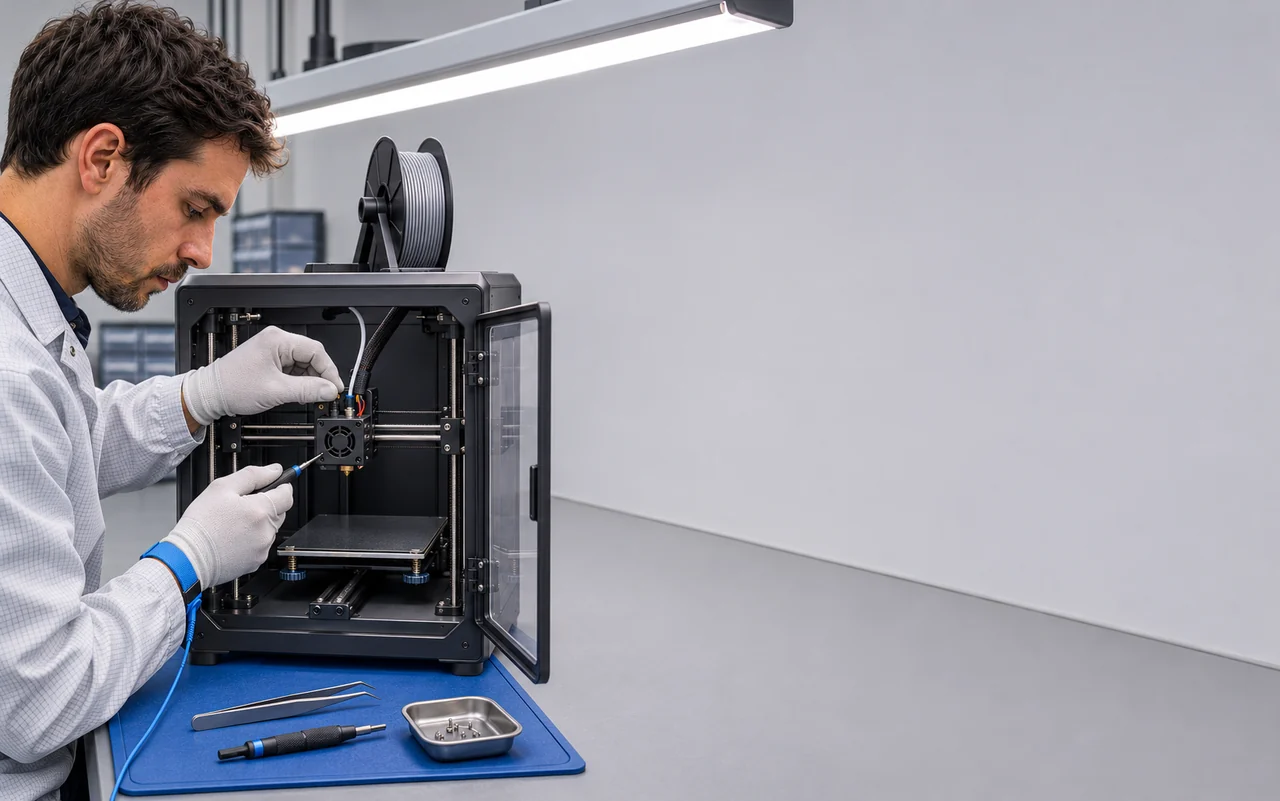
Follow the agreed packing and delivery instructions for your equipment. The UK repair centre assesses the reported fault.
We explain the options, timing and any applicable charges. Agreed work depends on the findings and availability of parts.
Switch off, unplug and allow the printer to cool before packing. Follow the manufacturer's transport instructions for securing moving parts. For resin equipment, agree safe handling and report any contamination before booking.
Help us assess the fault
A consistently missing region of a resin print is a useful observation, as is a repeatable warning during the printer's own test. For a Neptune problem, knowing whether an actual heating or motion error appears helps distinguish it from print setup. Assessment and parts depend on the exact revision.
Before you decide
What to tell us, what to send and what to expect.
Specify the Neptune model and whether the problem affects the bed, hotend or both. Include any repeatable temperature error and stop using it if there is unusual heat, smell or damage.
Not necessarily. Describe where material cured, whether the issue repeats across files, and any display or test result you have. Tell us about tank damage or leaks.
You can enquire. Give the complete model, the exact message and the stage where the movement stops. This helps distinguish different revisions and mechanisms.
Ask which items are needed. Drain and clean the equipment as agreed before transport and keep loose resin and other consumables separate. Tell us about any contamination.
We provide an independent UK repair assessment. For manufacturer cover, recalls or authorised service, contact Elegoo.
Timing depends on the fault, available parts and transport. Ask about the expected timeframe for your equipment when you enquire.
Ask what assessment, parts, return charges and repair warranty apply before you proceed. See the current service terms.
Help with the next step
Ask about your Elegoo model, confirmed transport options or an existing repair.