Power and charging
Does the robot illuminate on the base, announce charging or switch off shortly after leaving it? Note which base lights appear.

We Fix What Others Can't
Electronic Partners · Independent UK repairs
Start with the full Shark RV model number and tell us whether the robot fails on the floor or at its base. Matrix, AI Ultra and PowerDetect models have different dust, washing and charging arrangements.
We confirm suitability for your exact model before you send it.
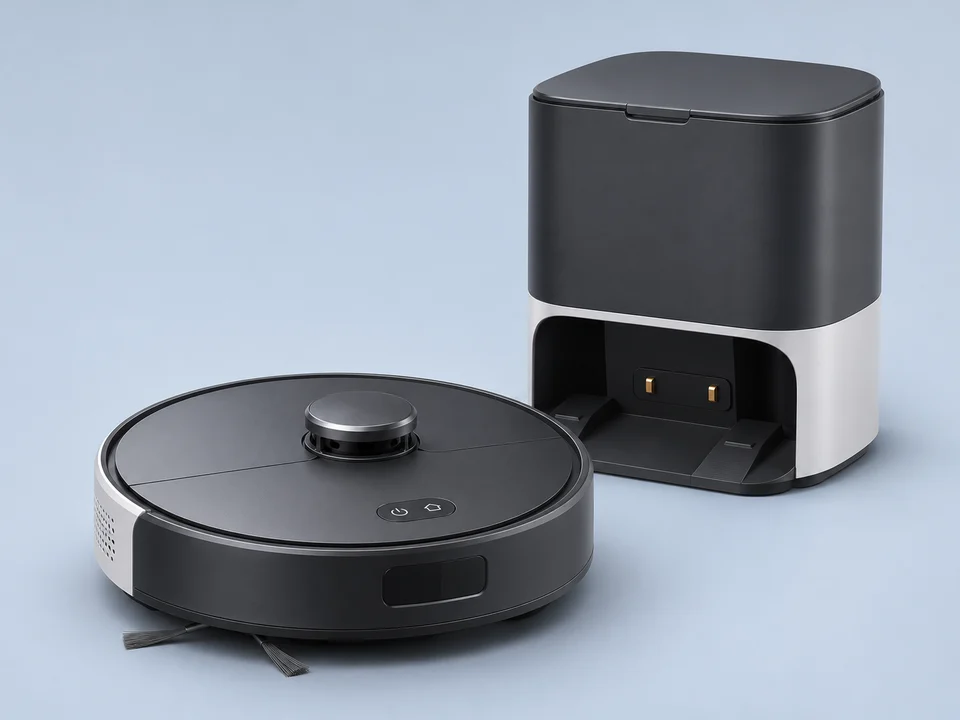
 Specialist assessment
 Repair at our UK centre
 Repair options explained
What is happening?
Tell us the symptom and when it occurs. An error message helps guide assessment.
Does the robot illuminate on the base, announce charging or switch off shortly after leaving it? Note which base lights appear.
Describe whether the front brush moves debris, whether it reaches the robot bin and whether the roller makes an unusual noise.
Tell us whether the base motor runs and whether the robot successfully finishes docking first.
Note if it stops short of the base, bumps into it or reaches the base and repeatedly backs away.
Where fitted, explain whether water reaches the pad and whether the issue occurs on the floor or during the base wash cycle.
Say whether it can start from its own controls even if the app cannot connect. Share any alert, model and app version.
Identify your equipment
You can also enquire about an unlisted model. Give the full label or variant so we can check suitability and parts availability.
How it works
Request an estimate with the exact model, what the device does and when the fault began.
We review the enquiry and explain assessment options. Confirm which equipment and accessories are needed before booking.
Follow the agreed packing and delivery instructions for your equipment. The UK repair centre assesses the reported fault.
We explain the options, timing and any applicable charges. Agreed work depends on the findings and availability of parts.
Agree exactly what to send before packing. Empty removable dust and water containers, let cleaned parts dry and follow the agreed shutdown instructions. Tell us about battery damage or water leakage before arranging transport.
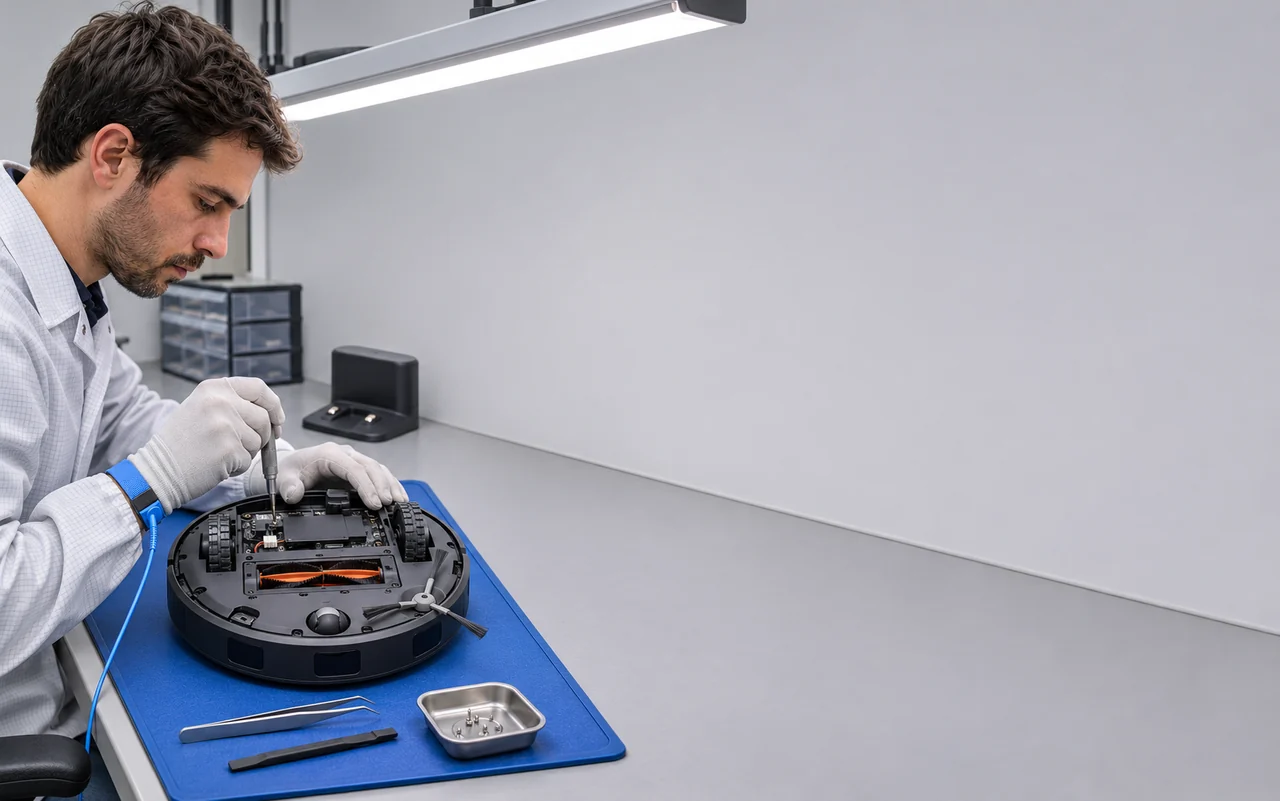
Help us assess the fault
A Shark base that cannot empty the bin can be investigated differently from a weak robot suction problem. For mapping or pairing complaints, knowing whether the robot can still start and return from its controls helps us reproduce the right fault. We confirm parts and whether the base is needed once we have the model.
Before you decide
What to tell us, what to send and what to expect.
Send a photo of the product label with its full RV code and suffix. The retail name alone can cover several variants. Include the station label when the fault involves the base.
Yes. Say whether its pad stays dry, whether there is any leakage, and if the problem started after fitting the tank or pad. This helps us identify the area to assess.
There may be an app, network or equipment problem. Try the manufacturer's model-specific guidance and tell us whether the robot responds directly to its buttons.
Record whether it pauses, returns to its base or stops with an alert. Tell us if it repeats when started directly from the robot and whether the battery is low at the time.
We provide an independent UK repair assessment. For manufacturer cover, recalls or authorised service, contact Shark.
Timing depends on the fault, available parts and transport. Ask about the expected timeframe for your equipment when you enquire.
Ask what assessment, parts, return charges and repair warranty apply before you proceed. See the current service terms.
Help with the next step
Ask about your Shark model, confirmed transport options or an existing repair.